



 NEWS
NEWS
NEWS
NEWS
NEWS

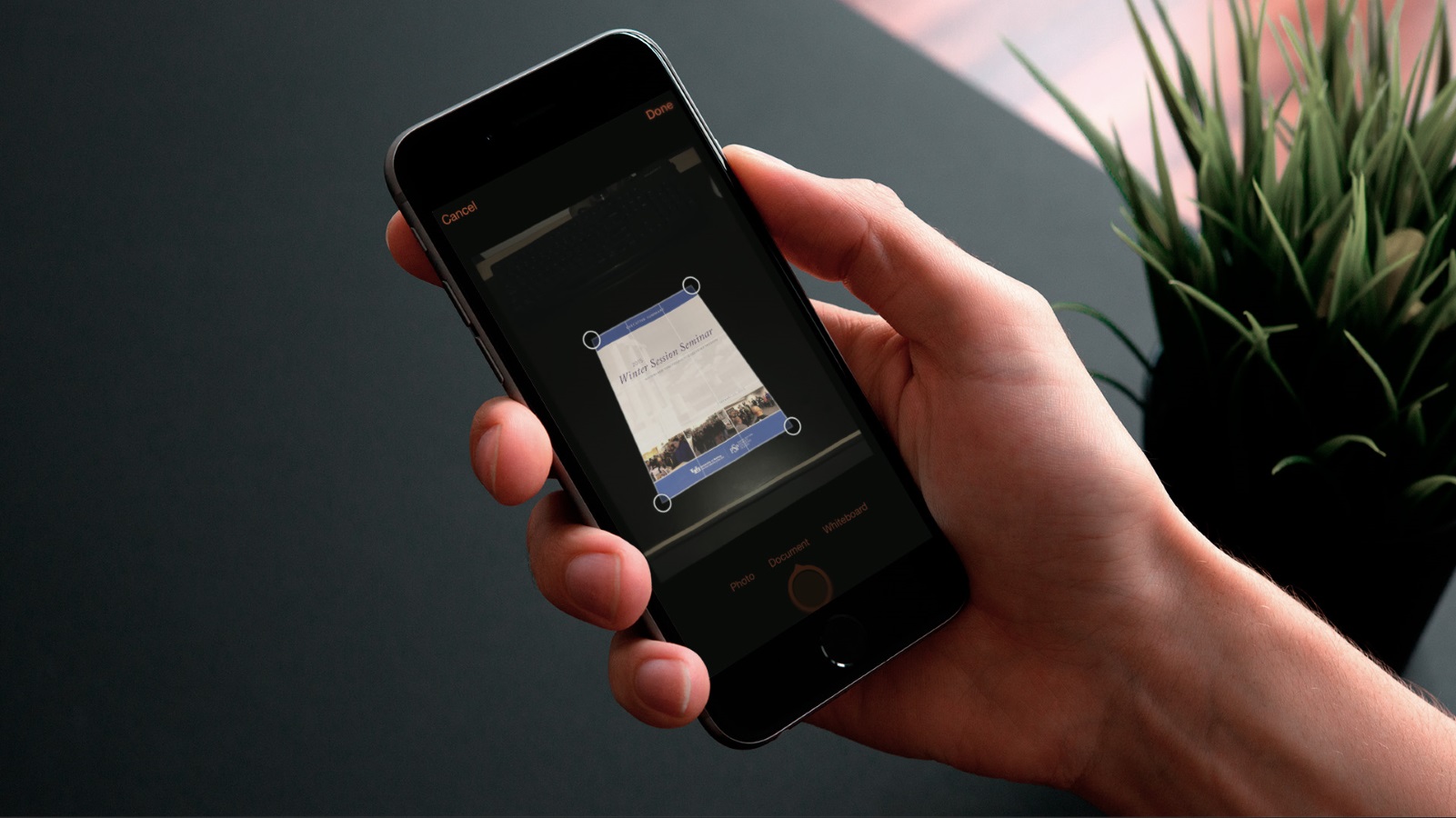
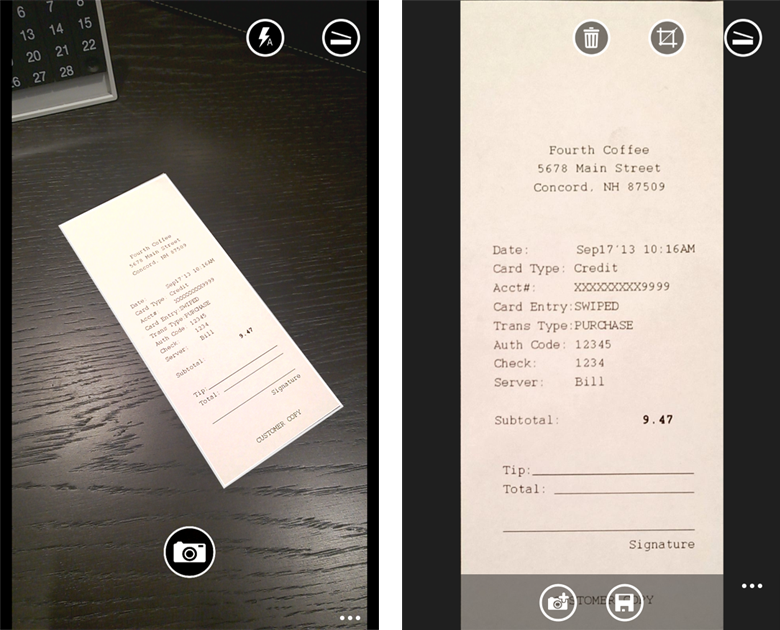 Microsoft today announced its new OneNote app, Office Lens, a useful little OneNote app that works with your phone’s camera. The app basically works as a kind of scanner, helping you to take snaps of things like menus or business cards, making the text visible and clear, and then you can save to OneNote with the rest of your contacts (as DOCX, PPTX, JPG or PDF format). Microsoft has reported that Office Lens for Windows Phone, that was released about one year ago, has been one of the company’s most successful apps with a 4.6 star rating (from 5) from 18,500 reviews.
You might be wondering if there’s any difference from a normal camera function. Office Lens’ greatest ability is to take awkward, hardly coherent snaps and trim, enhance, clean up shadows, and so making the picture look something like something you have dusted and framed. Good for business cards, whiteboards, posters, and other things where information you don’t want to forget is kept, but it might also work well with any other pics you want to look professionally set.
The app also has optical character recognition (OCR), which means that when you take a picture of something with text in the image the app can recognize individual words and give you information relating to those words. You can also edit, copy, or paste words into other documents.
There are three main functions in the settings: Whiteboard Mode, which removes glare and shadows; Document Mode that renders text clear, and easy to read; Photo Mode, which works best with people and scenery snaps.
In the App Store today you can get OneNote for iPhone, but for Android you will have to join the Android Preview Community and become one of the testers.
… We’d like to tell you about our mission and how you can help us fulfill it. SiliconANGLE Media Inc.’s business model is based on the intrinsic value of the content, not advertising. Unlike many online publications, we don’t have a paywall or run banner advertising, because we want to keep our journalism open, without influence or the need to chase traffic.The journalism, reporting and commentary on SiliconANGLE — along with live, unscripted video from our Silicon Valley studio and globe-trotting video teams at theCUBE — take a lot of hard work, time and money. Keeping the quality high requires the support of sponsors who are aligned with our vision of ad-free journalism content.
If you like the reporting, video interviews and other ad-free content here, please take a moment to check out a sample of the video content supported by our sponsors, tweet your support, and keep coming back to SiliconANGLE.






