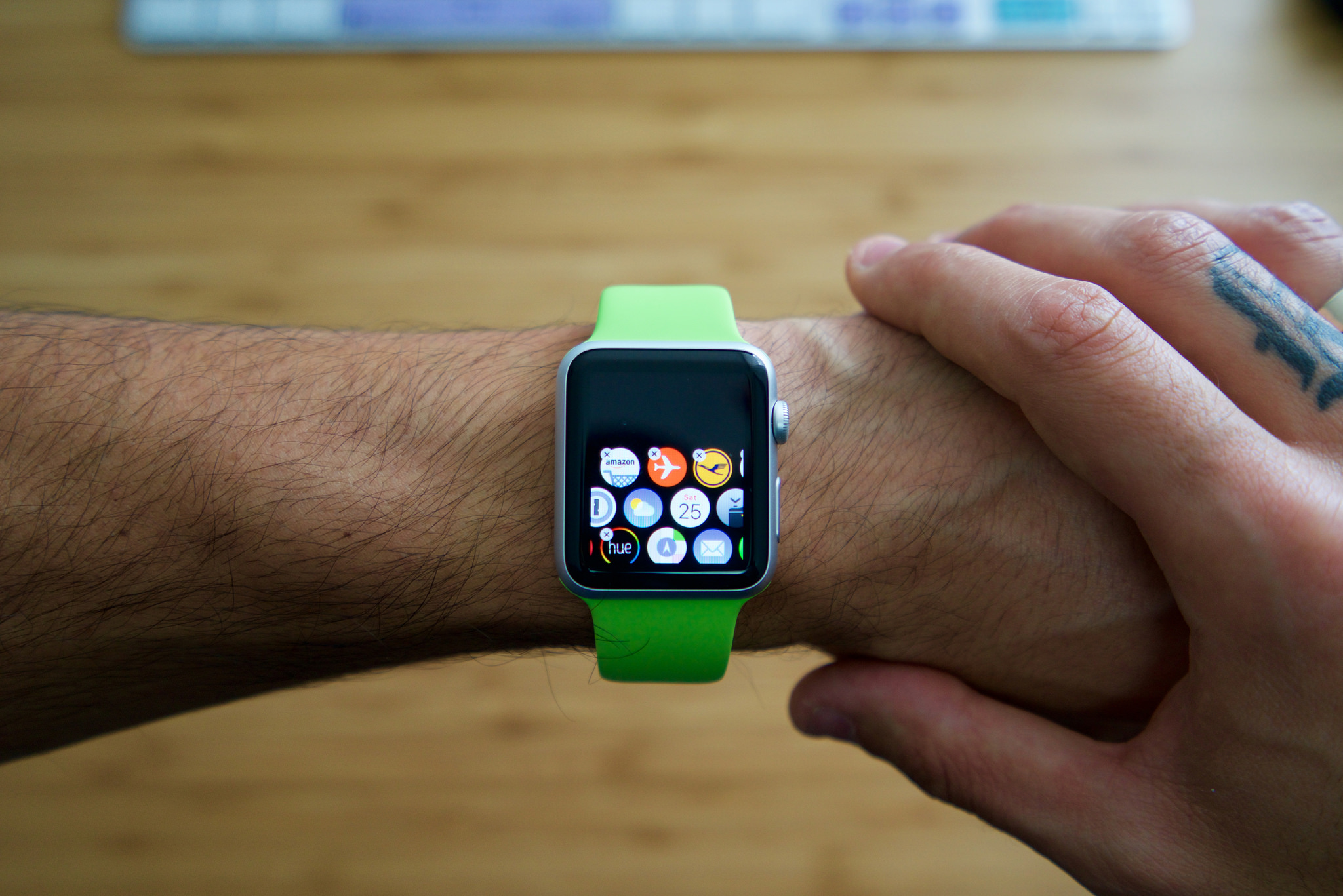







Following the release of the Apple Watch nearly a month ago, Apple on Tuesday rolled out the first software update, Watch OS 1.0.1, for the company’s first wearable. The update is available for download via the companion app for Apple Watch on iPhone. According to the release notes for Watch OS 1.0.1, the update brings a number of performance improvements to Siri, third-party apps, activity tracking and more. (via 9to5Mac)
Also included in the Apple Watch software update is support for the 300+ new Emoji characters added in iOS 8.3 and OS X 10.10.3 along with six new languages for Siri including Brazilian Portuguese, Danish, Dutch, Swedish, Russian and Turkish.
The performance improvements to Siri will undoubtedly be welcomed by Apple Watch users who have reported problems with the ‘Hey Siri’ feature in Apple’s online support community forums. According to the thread, Siri fails to work consistently, fails to respond and gets stuck in listening mode and more.
While some have found the Apple Watch to be capable health and fitness tracker, others, like Kirk McElhearn, experienced some accuracy issues. McElhearn found that the Apple Watch, when compared to a Fitbit One during the same activity, frequently did not count brisk walking as exercise and would report wildly varying calorie measurements during indoor exercise.
The Watch OS 1.0.1 update appears to include a number of fixes for reported fitness and activity tracking issues. The release notes detail performance improvements and bug fixes including measuring stand activity, calculating calories for indoor cycling and rowing workouts, distance and pace calculations for outdoor walking and running workouts, accessibility and third-party apps.
Perhaps the most important part of the Watch OS 1.0.1 update is improvements and fixes related to security. A number of potential exploits picked up by engineers from Apple, Google and Kaspersky Labs have been fixed in Watch OS 1.0.1, including an exploit that could have made the Apple Watch vulnerable to system denials of services, as noted on the Apple Watch Support site.
Apple is rumored to be working on a ‘Find my Watch’ feature to improve the physical security of the Apple Watch; however, since this requires new hardware, it is expected to only become available in the next-generation Apple Watch.
The update is available on the companion Apple Watch app on iPhone’s running iOS 8.2, iOS 8.3 or iOS 8.4 beta. To apply the update, launch the Apple Watch app, navigate to General > Software Update and you’ll be prompted to update to Watch OS 1.0.1.
Ensure your Apple Watch is in range of the paired iPhone, connected to its charger and has at least 50 percent battery life.
Support our mission to keep content open and free by engaging with theCUBE community. Join theCUBE’s Alumni Trust Network, where technology leaders connect, share intelligence and create opportunities.
Founded by tech visionaries John Furrier and Dave Vellante, SiliconANGLE Media has built a dynamic ecosystem of industry-leading digital media brands that reach 15+ million elite tech professionals. Our new proprietary theCUBE AI Video Cloud is breaking ground in audience interaction, leveraging theCUBEai.com neural network to help technology companies make data-driven decisions and stay at the forefront of industry conversations.





