



 NEWS
NEWS
NEWS
NEWS
NEWS

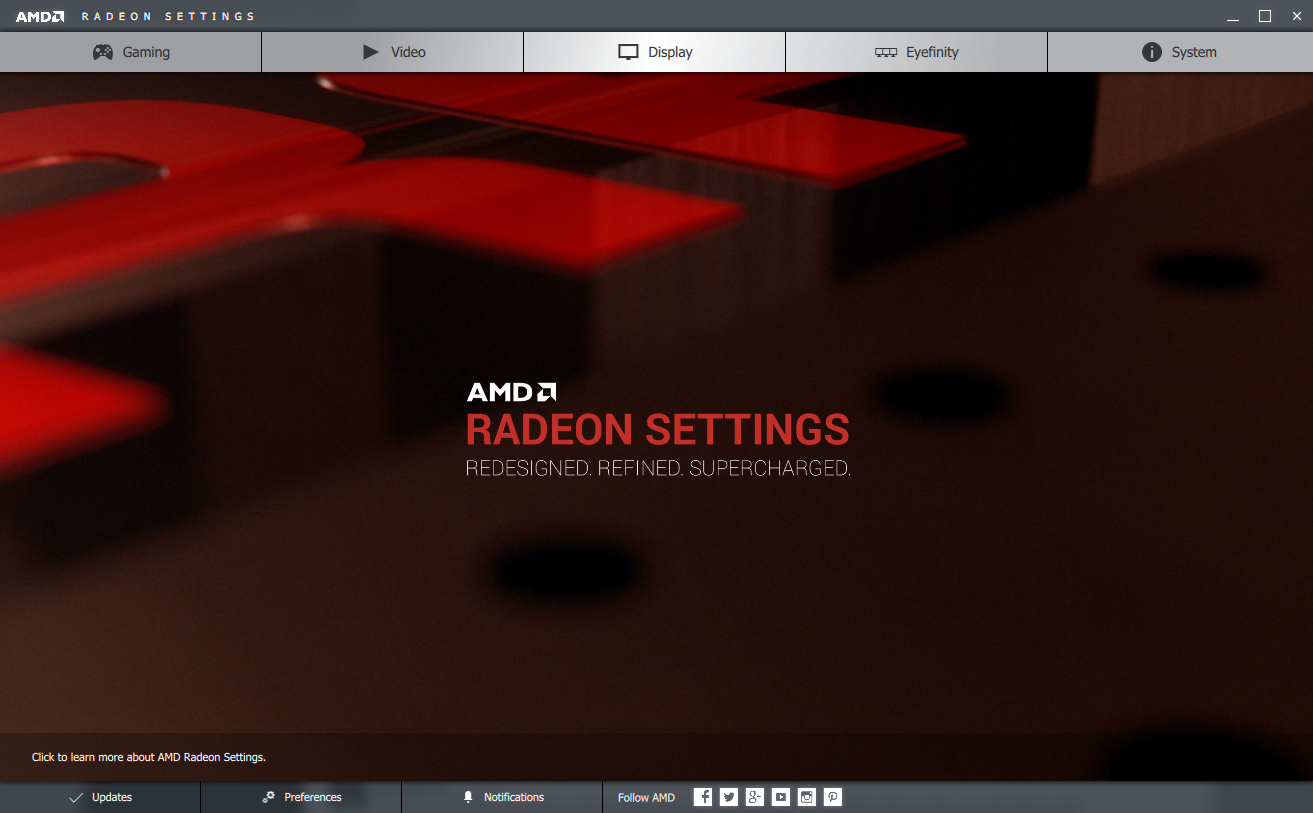
Advanced Micro Devices Inc (AMD) has announced that it is phasing out its Catalyst Control Center and will be replacing it with the new Radeon Software Crimson Edition, which it says “ushers in a new era of immersive computing with redesigned user interface, remarkable features, powerful performance boosts and significant power savings for gamers.”
According to AMD, the new Radeon Software offers over a dozen new or enhanced features, a 20 percent bump in overall performance, and improved energy efficiency and stability. The GPU maker also promised that the interface loads four times faster than the old Catalyst Control Center.
AMD said that the new interface is the first example of Radeon Technologies Group’s new dedication to software, which it has pledged to place “on par with hardware initiatives.”
“As the primary way that people interact with our products, our software deserves to be viewed as a top priority, and going forward that’s exactly what we’re doing, delivering easy-to-use software that is packed with real user benefits, starting with Radeon Software Crimson Edition,” said Raja Koduri, senior vice president and chief architect, Radeon Technologies Group. “Radeon Technologies Group is laser-focused on the vertical integration of all things graphics, propelling the industry forward by driving performance per watt, creating innovative technologies and ensuring that the software supporting our GPUs is world class.”
The new interface is certainly slicker than the Catalyst Control Center, although the old interface still pops up when you select “Additional Settings” under the Display menu, which is a bit jarring. The software also makes it easy to choose custom settings for individual games, with options for texture filtering, vertical sync, and more.
You can install the new Radeon Software Crimson Edition from AMD’s support site, either by installing its auto-detect update software or my navigating to your specific GPU support page.
One of the most obvious differences between the Catalyst Control Center and the new Radeon Software is the size of the banner ads displayed on the screen. If you are not a fan of seeing giant ads for AAA games every time you open your GPU software, you can turn them off very easily.
First, go into the preferences menu at the bottom of the window, and then uncheck the “Banner Ads” option.
… We’d like to tell you about our mission and how you can help us fulfill it. SiliconANGLE Media Inc.’s business model is based on the intrinsic value of the content, not advertising. Unlike many online publications, we don’t have a paywall or run banner advertising, because we want to keep our journalism open, without influence or the need to chase traffic.The journalism, reporting and commentary on SiliconANGLE — along with live, unscripted video from our Silicon Valley studio and globe-trotting video teams at theCUBE — take a lot of hard work, time and money. Keeping the quality high requires the support of sponsors who are aligned with our vision of ad-free journalism content.
If you like the reporting, video interviews and other ad-free content here, please take a moment to check out a sample of the video content supported by our sponsors, tweet your support, and keep coming back to SiliconANGLE.






