



 NEWS
NEWS
NEWS
NEWS
NEWS

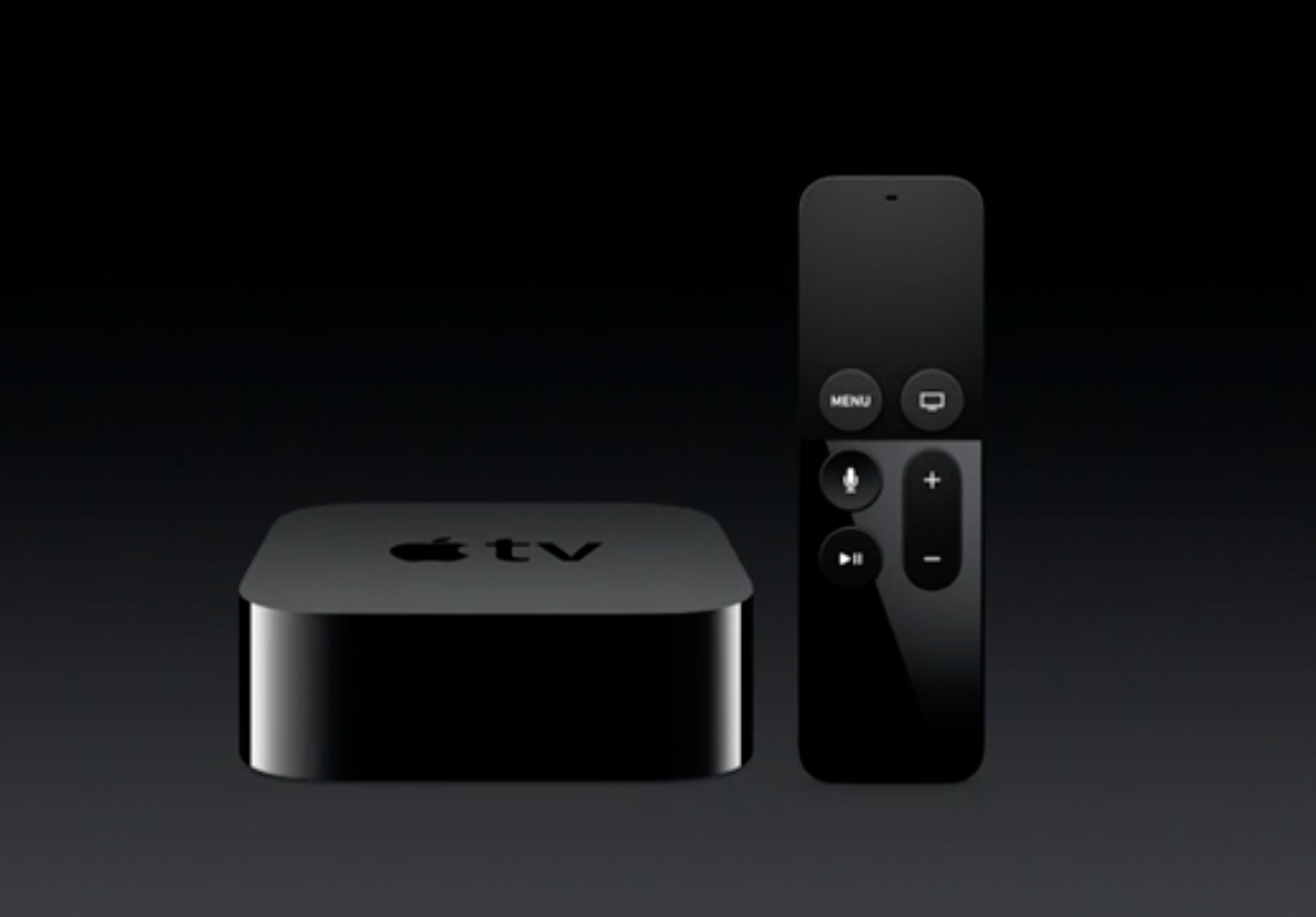
Apple TV’s new beta version tvOS 9.2 has some noteworthy features, but videophiles seem more excited for the new VLC media player app now available for the set top box, released by VideoLAN. What’s all the excitement about, how’s it benefit Windows users, and how does it work?
If you’re not familiar with VLC, it’s software that allows for video and audio playback regardless of the file format. It’s also a great way to stream videos, and is quite popular with Windows users. Free and open source, VLC has been download over a billion times since 20015, and now that it has been made available to Apple TV users, you can expect that number to rise even more.
“Immediately after Apple announced the future of television, we started to develop for the new box and now it is finally ready to be published. This is the first app we release with the increased limit of 2000 TestFlight beta testers, who had access to our app since mid November and greatly influenced the result. We were excited about the amazing amount of feedback we received,” VideoLAN wrote in a separate blog post.
 Just like on any iOS device, or computer for that matter, the Apple TV version of VLC allows users to play, pause and seek, as well as navigate by chapter and titles, or even select content including multiple audio and subtitles tracks. You can also customize the playback speed. Also, VLC has tapped community service hatchet.is so the music playback function not only displays album artwork, but artist imagery and biographies as well.
Not all videos come with subtitles, so if a user come across one that needs to be dubbed, they can do so within the playback thanks to OpenSubtitles.org. VLC supports texts such as srt, SSA, WebVTT, bitmap subtitles, and even Right-to-Left languages like Arabic and Hebrew, complex text layout for Malayalam, and other Asian languages.
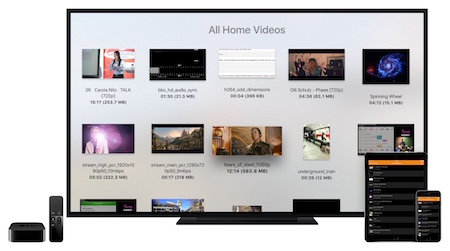 VideoLAN promises users access all their files and video streams, without having to convert anything, as VLC on Apple TV automatically discovers storage and shares on your local network using the SMB, UPnP media server, FTP and PLEX protocols. on their Apple TV.
As for something specific to Apple TV, the VLC app allows for ‘casting’ or Remote Playback, a feature that allows the user to directly send video files from any browser or app to the Apple TV. To cast, just drop one or more files in the browser to play videos or audio instantly, and the copies will remain available to the device cache locally as long as there is space.
You can also paste streams from compatible URLS to the Apple TV, and actions can be sent to create a current playlist. The web interface can also be used to control play, pause, and seek.
VideoLAN also announced that native integration with cloud services such as Dropbox, OneDrive and Drive is already in beta testing and the feature will be available in the future release of VLC. It was not made clear whether the said feature will be immediately available in the next release of VLC.
You can get the VLC app for free here, and it is compatible with the iPad, iPhone and iPod touch, aside from the Apple TV.
… We’d like to tell you about our mission and how you can help us fulfill it. SiliconANGLE Media Inc.’s business model is based on the intrinsic value of the content, not advertising. Unlike many online publications, we don’t have a paywall or run banner advertising, because we want to keep our journalism open, without influence or the need to chase traffic.The journalism, reporting and commentary on SiliconANGLE — along with live, unscripted video from our Silicon Valley studio and globe-trotting video teams at theCUBE — take a lot of hard work, time and money. Keeping the quality high requires the support of sponsors who are aligned with our vision of ad-free journalism content.
If you like the reporting, video interviews and other ad-free content here, please take a moment to check out a sample of the video content supported by our sponsors, tweet your support, and keep coming back to SiliconANGLE.






