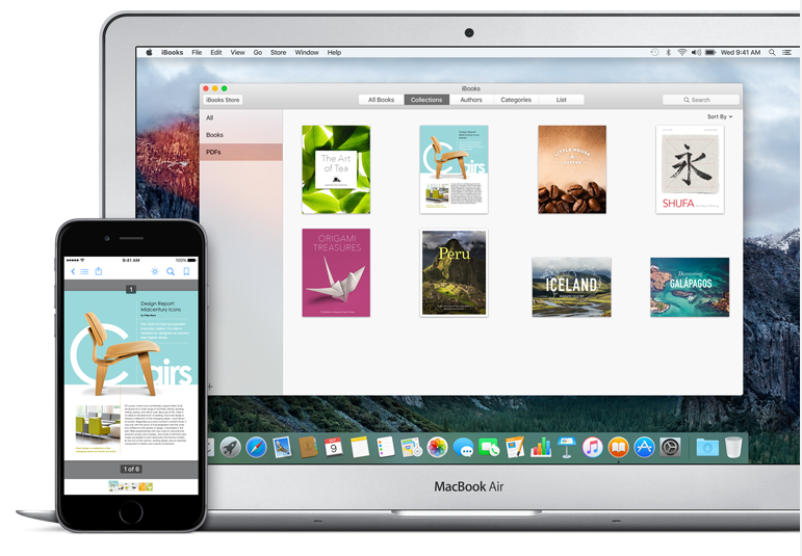







Apple on Monday released iOS 9.3, the latest iteration of its mobile operating system for iPhone, iPad, and iPod touch. Along with the new Night Shift feature, password protected notes, and other new features, iOS 9.3 now also lets you sync PDFs, ePub, and other file types using iCloud instead of just books bought through Apple.
Instead of making you hunt for the new feature, iOS 9.3 will prompt you to set up iCloud sync the first time you run the new OS on your device.
You should see a popup message that reads: “iCloud for iBooks” with an option to Use iCloud.
If you don’t see this message, you may need to enable iCloud Drive. Here’s how to do that: go to Settings > iCloud > sign in with your Apple ID (if you need to) > tap iCloud Drive > tap Upgrade to iCloud Drive.
PDFs you add to iBooks from any of your Apple devices will sync across your devices. To access PDFs in iBooks on your iPhone, open the iBooks app > tap Menu > tap All Books to view all items, including PDFs OR tap PDFs to view just PDF docs.
How to add PDFs to iBooks on iOS
To add a PDF to iBooks, open the PDF you want to add > tap the iOS Share Sheet icon > select Copy to iBooks.
You can move or delete PDFs synced to iBooks. Open the iBooks app > tap Menu > tap PDFs > tap Select > you have options to move or delete items and you can use the three-lined icon to rearrange items by dragging them.
Support our mission to keep content open and free by engaging with theCUBE community. Join theCUBE’s Alumni Trust Network, where technology leaders connect, share intelligence and create opportunities.
Founded by tech visionaries John Furrier and Dave Vellante, SiliconANGLE Media has built a dynamic ecosystem of industry-leading digital media brands that reach 15+ million elite tech professionals. Our new proprietary theCUBE AI Video Cloud is breaking ground in audience interaction, leveraging theCUBEai.com neural network to help technology companies make data-driven decisions and stay at the forefront of industry conversations.





