



 NEWS
NEWS
NEWS
NEWS
NEWS

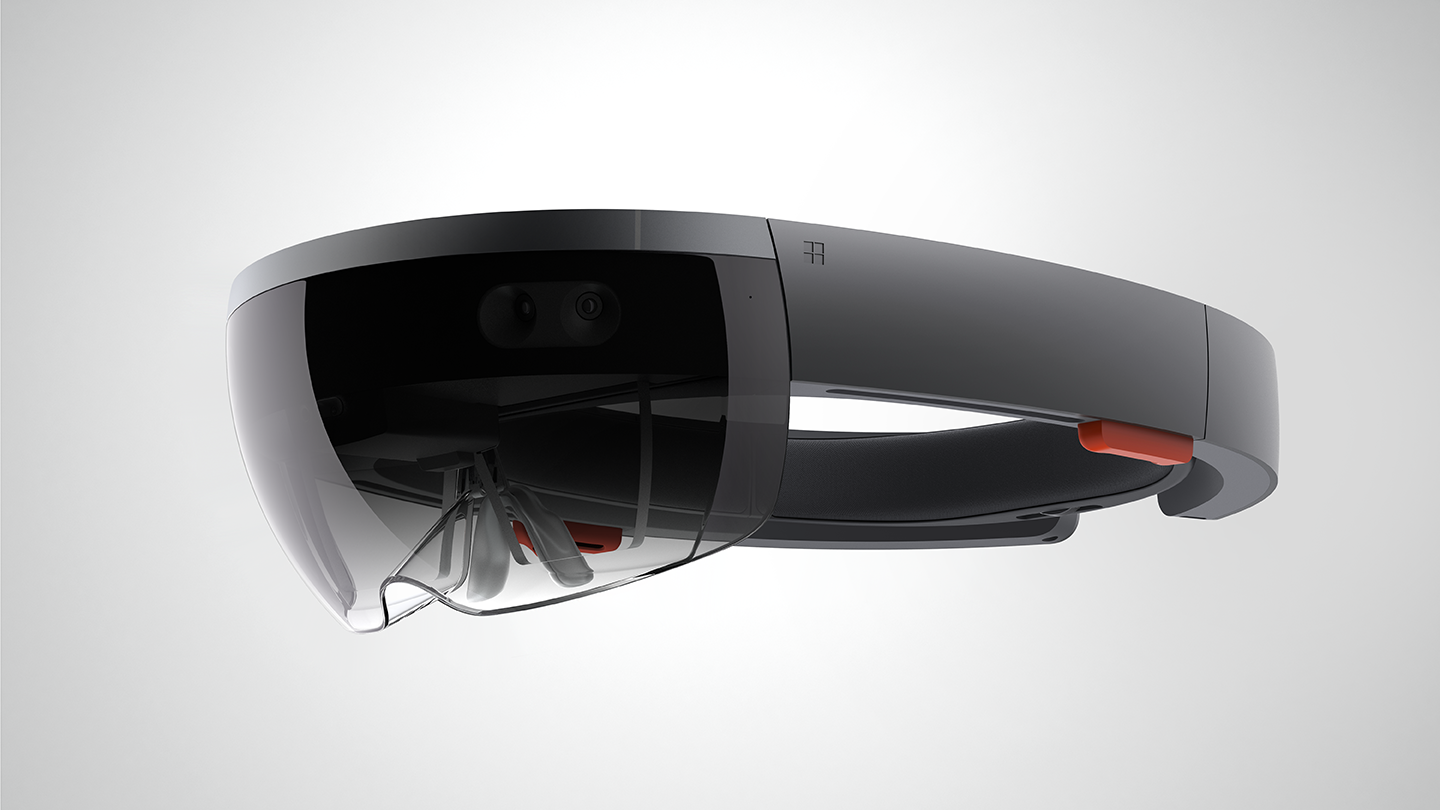
Earlier this month, Microsoft announced that it would be releasing a development emulator for its holographic augmented reality headset, HoloLens, allowing developers to test out their holographic apps without having to purchase the physical dev kit. Today that emulator has finally arrived.
Here’s Microsoft’s description of the emulator:
The HoloLens emulator allows you to test holographic apps on your PC without a physical HoloLens and comes with the HoloLens development toolset. The emulator uses a Hyper-V virtual machine. The human and environmental inputs that would usually be read by the sensors on the HoloLens are instead simulated using your keyboard, mouse, or Xbox controller. Apps don’t need to be modified to run on the emulator and don’t know that they aren’t running on a real HoloLens.
More than a few augmented reality enthusiasts were disappointed when Microsoft first announced that its HoloLens development kit would cost an eye-watering $3,000, placing it out of the price range of many developers, so the new emulator is a welcome alternative for solo devs and smaller companies.

Image courtesy of Microsoft Corp
The HoloLens emulator (pictured above) displays the device’s operating system on startup, giving developers a feel for how their app will appear in the interface, as well as how users will navigate to it.
Since HoloLens is an augmented reality device, the emulator would not be very useful if it did not show how holographic apps would function in the real world, which is why the program offers room simulations that can be used to test how an app interacts with various environments.
The emulator comes with five default rooms, ranging in size from a small bedroom with a desk up to a large great room complete with a living room, kitchen, and dining area. Developers can also record their own custom rooms and upload them into the program.
While the emulator will allow developers to get an idea of how well their apps work, Microsoft noted that the experience is not quite the same as using the actual dev kit, at least not without a little extra work.
“On the emulator, you will only see holograms that you render and you will not see the simulated room behind the holograms,” Microsoft said on the HoloLens emulator website. “This is in contrast to the real HoloLens where you see both blended together. If you want to see the simulated room in the HoloLens emulator, you will need to update your app to render the spatial mapping mesh in the scene.”
Of course, as long as the extra work required comes out to less than $3,000, it is probably worth the effort.
You can download the new Microsoft HoloLens emulator here.
… We’d like to tell you about our mission and how you can help us fulfill it. SiliconANGLE Media Inc.’s business model is based on the intrinsic value of the content, not advertising. Unlike many online publications, we don’t have a paywall or run banner advertising, because we want to keep our journalism open, without influence or the need to chase traffic.The journalism, reporting and commentary on SiliconANGLE — along with live, unscripted video from our Silicon Valley studio and globe-trotting video teams at theCUBE — take a lot of hard work, time and money. Keeping the quality high requires the support of sponsors who are aligned with our vision of ad-free journalism content.
If you like the reporting, video interviews and other ad-free content here, please take a moment to check out a sample of the video content supported by our sponsors, tweet your support, and keep coming back to SiliconANGLE.






