







Over the past year, Facebook Inc. has been expanding what its 900 million Facebook Messenger users can do in the app, including the ability to hail an Uber (Uber Technologies, Inc.) or Lyft (Lyft, Inc.) ride, share Spotify songs, and send and receive money.
Facebook will now allow companies to create bots for Facebook Messenger, announced on Tuesday at its F8 developer conference. Users can start checking out what these bots can do by interacting with the few bots that are already on Messenger.
First up, make sure you have the latest version of Facebook Messenger for iOS or Android installed on your device.
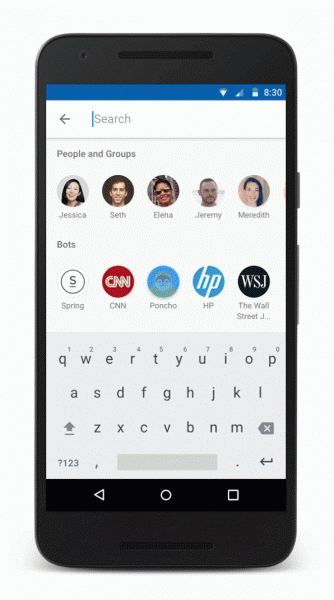
To find a bot, open the Messenger app and type the name of the company into the search bar at the top of the app.
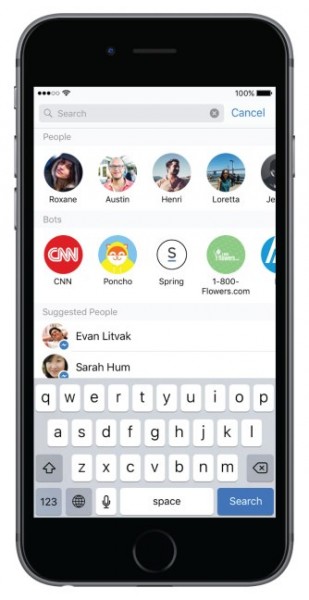
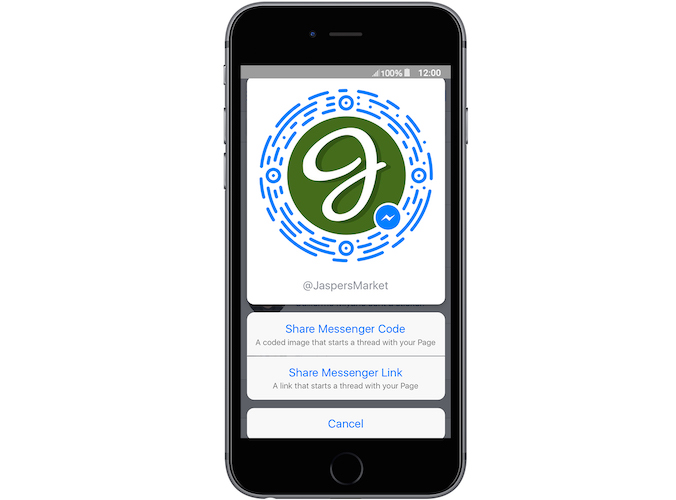
Alternatively, click on a company’s Messenger Link that will automatically open a Messenger conversation with the specific business. You can also scan the company’s Messenger Code with your phone’s camera in Messenger and start a conversation.
At this stage, the bots that are available are limited to 33 companies and includes Burger King, CNN, Staples, Fandango, Bank of America, Poncho, Spring, and 1-800-Flowers.com. This number is likely to grow rapidly as more businesses start creating bots.
Bots on the Messenger Platform can provide automated content like traffic and weather updates or customized content, like shipping details, receipts etc. The extent of what you can actually do with each of these bots varies by company.
Poncho, a weathercat from Brooklyn, will provide you with daily weather updates based on your location in the U.S. You can ask the Poncho bot questions like, “Is it going to rain tomorrow?” or “Is it gross out?”
Poncho’s knowledge doesn’t stop at the weather though and you can ask it “What should I watch?” or “What should I snack on?”
M-commerce startup Spring, allows you to easily buy clothing, shoes or accessories using their Messenger bot. You will answer a series of multiple-choice questions to narrow down the search to your chosen item. Alternatively, send someone flowers using the 1-800-Flowers.com bot.
Bots from CNN, Business Insider, Mic and Thrillist will provide you with the top news stories for the day, allowing you to see a summary and link through to the full article.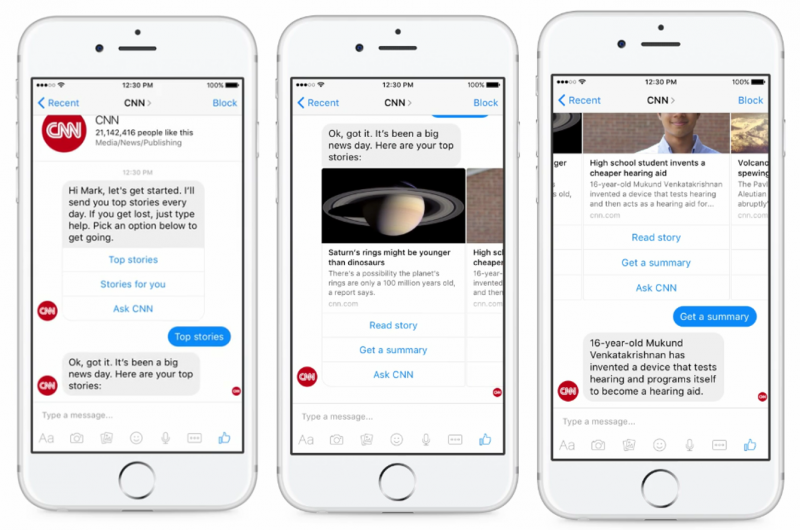
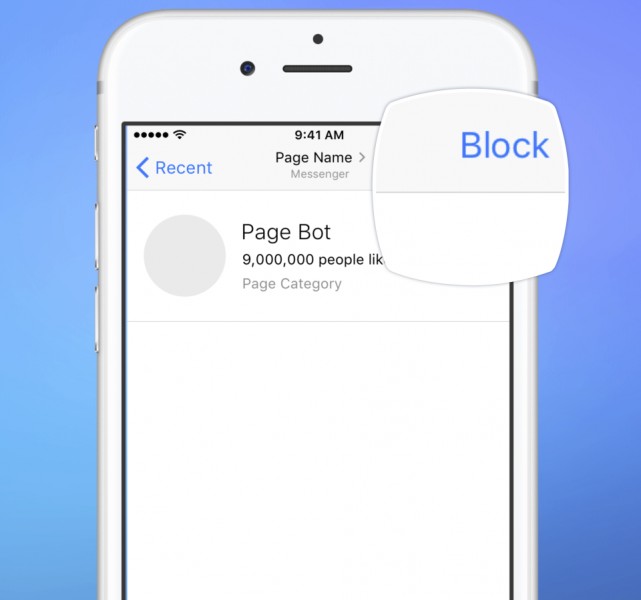
Facebook is going to start testing sponsored messages within Messenger, but the choice is yours whether you want to see them.
Regardless of whether you have messaged a business before, you will still be able to block its sponsored messages. In the top right-hand corner of the message thread, tap Block > in the pop-up you can then select to Block sponsored messages or Block all messages.
If you choose to only block sponsored messages, you will still be able to chat with the business, but you won’t receive any sponsored content.
Support our mission to keep content open and free by engaging with theCUBE community. Join theCUBE’s Alumni Trust Network, where technology leaders connect, share intelligence and create opportunities.
Founded by tech visionaries John Furrier and Dave Vellante, SiliconANGLE Media has built a dynamic ecosystem of industry-leading digital media brands that reach 15+ million elite tech professionals. Our new proprietary theCUBE AI Video Cloud is breaking ground in audience interaction, leveraging theCUBEai.com neural network to help technology companies make data-driven decisions and stay at the forefront of industry conversations.





