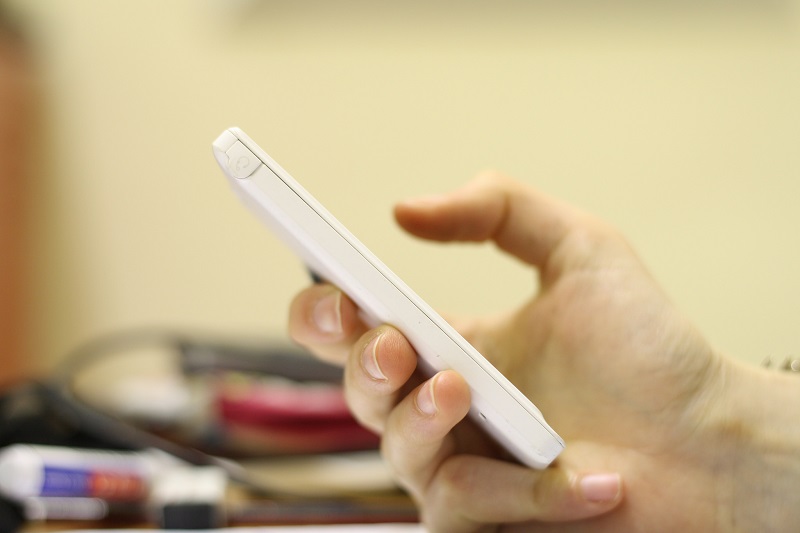
Google has released a major update to its Google Keyboard for Android with the inclusion of a variety of new features. Version 5.0 includes one-handed mode, adjustable keyboard heights, quick access to numbers and emojis, cursor control gesture, and more.
The Google Keyboard update comes just a week after Microsoft released its Word Flow keyboard for iOS. While Google Keyboard is only available for Android users, there are reports that Google is currently working on a keyboard for iOS. However, the Google iOS keyboard will reportedly be “visually distinct” from Google’s Android keyboard.
For now, we look at the major update to the Android version of Google Keyboard, how to download it and set it up, as well as some of the new features.
Download and set up Google Keyboard 5.0
Version 5.0 of Google Keyboard is rolling out slowing on the Play Store. If it is not yet available for you, but you are eager to get your hands on it, you can download it from APK Mirror.
If this is the first time you have downloaded Google Keyboard, you will be taken through a step-by-step process to set it up.
Open the Google Keyboard app and follow these steps:
- Enable Google Keyboard: Tap Enable in Settings > select the tick box for Google Keyboard > a pop-up will warn you that it will be able to collect certain data that you enter on the keyboard, tap Ok.
- Switch to Google Keyboard: Tap Switch input methods > select English (US) Google Keyboard.
- All done: You can either tap Finished or if you want to add additional languages, tap Configure additional languages > deselect Use system language > search and select your other languages > tap the back button > tap Finished.
Anonymized snippets: When you update to Google Keyboard 5.0 you will be asked whether you are happy with automatically sharing snippets of information, like what you type in Google apps, which will ultimately improve the keyboard app.
Google Keyboard 5.0’s new features
- Key border: The update now includes the ability to place borders around the keys of your keyboard. Open the Google Keyboard app > Preferences > toggle Show key border to On.
- Keyboard theme and layout: The Material Light and Material Dark themes are still there, but the Holo White and Holo Blue themes have been phased out.
- Keyboard height: You can adjust how tall you want your keyboard to be with five options, including Short, Mid-Short, Normal, Mid-Tall and Tall. Open the Google Keyboard app > Preferences > Keyboard height > on the Keyboard height pop-up you can adjust the height to your preference.
- One-handed mode: The one-handed mode condenses the keyboard to the left or right, perfect for users with large-screened Android devices. To access one-handed mode, press and hold the comma button > tap the icon for the one-handed mode. You can also access it via Settings > Preferences > One handed mode.
- Easy access to numbers and emojis: To the left of the space bar is a new number key that when tapped brings up a traditional number pad, surrounded by arithmetic symbols. While the emoji icon to the right of the space bar gives you quick access to all your favorite emojis.
- Gesture typing: Instead of seeing floating previews of suggested words, these now appear in the suggestion bar. Glide through letters and lift your finger to finish the word. No spacebar required, simply move onto gesturing the next word.
- Delete entire words: Swipe slowly left on the delete key and entire words will be highlighted, let go of the key and the words will be deleted.
- Cursor control gesture: the new cursor control gesture allows you to tap and drag left or right to move the cursor.
- Delete suggested words: If you want to remove specific suggested words from the suggestion bar, simply log press the word and drag it to the trashcan.
Sync your history to improve suggestions
Google Keyboard syncs your user history across devices so that the suggestions are improved. Go to Settings > Language & input > Google Keyboard > Accounts & Privacy > Google Keyboard Sync.
A message from John Furrier, co-founder of SiliconANGLE:
Support our mission to keep content open and free by engaging with theCUBE community. Join theCUBE’s Alumni Trust Network, where technology leaders connect, share intelligence and create opportunities.
- 15M+ viewers of theCUBE videos, powering conversations across AI, cloud, cybersecurity and more
- 11.4k+ theCUBE alumni — Connect with more than 11,400 tech and business leaders shaping the future through a unique trusted-based network.
Are you AWS customer? Support SiliconANGLE Financially by buying your AWS services from our Marketplace portal page and links.
About SiliconANGLE Media
SiliconANGLE Media is a recognized leader in digital media innovation, uniting breakthrough technology, strategic insights and real-time audience engagement. As the parent company of
SiliconANGLE,
theCUBE Network,
theCUBE Research,
CUBE365,
theCUBE AI and theCUBE SuperStudios — with flagship locations in Silicon Valley and the New York Stock Exchange — SiliconANGLE Media operates at the intersection of media, technology and AI.
Founded by tech visionaries John Furrier and Dave Vellante, SiliconANGLE Media has built a dynamic ecosystem of industry-leading digital media brands that reach 15+ million elite tech professionals. Our new proprietary theCUBE AI Video Cloud is breaking ground in audience interaction, leveraging theCUBEai.com neural network to help technology companies make data-driven decisions and stay at the forefront of industry conversations.