Apple introduced Picture in Picture multitasking mode with iOS 9 last year, allowing users to answer emails, read articles etc. while at the same time watching a video on a minimized screen in the corner of their iPad.
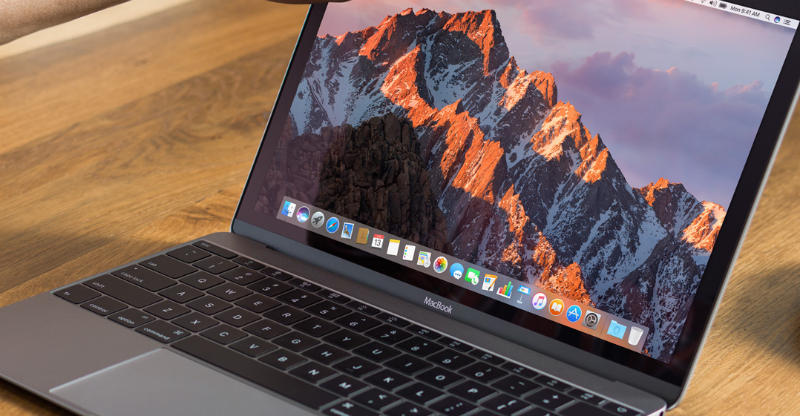
With the launch of macOS Sierra last week, June 13, Apple has now introduced Picture in Picture functionality for Mac users, among other new features like the addition of Siri, Universal Clipboard and more. Now users can enjoy watching their favorite YouTube videos while multitasking on other websites, apps, email, etc.
macOS Sierra is currently only available in beta 1 for developers, but a public beta will be out next month. If you have downloaded the macOS beta 1 you can follow the instructions below to start using Picture in Picture mode on your Mac.
How to enable Picture in Picture mode on Mac for YouTube videos
- Go to YouTube and find the video that you want to detach and watch in the corner of your Mac screen.
- Right click on the video to reveal a menu > right click again for the second menu to be displayed > click Enter Picture-in-Picture.
- The video will now detach and you can move it around to any one of the four corners of your Mac screen, depending on where you want it to display. You can also make the YouTube detached screen bigger or smaller depending on how much of your screen you want to see. The detached video from YouTube will also remain on your screen, regardless of you changing desktops in the background, ensuring you never miss out on any of the video content.
- To reattach the YouTube video, simply click the reattach icon found at the bottom of the video next top the pause icon.
Picture in Picture mode limitations on Mac
As mentioned previously, you will need to be running the macOS Sierra beta 1 to gain access to the new Picture in Picture functionality.
The Picture in Picture mode on macOS Sierra also only works on Safari at this stage, this may change at a later date, though.
Source: 9to5Mac
Image via: Apple
A message from John Furrier, co-founder of SiliconANGLE:
Support our mission to keep content open and free by engaging with theCUBE community. Join theCUBE’s Alumni Trust Network, where technology leaders connect, share intelligence and create opportunities.
- 15M+ viewers of theCUBE videos, powering conversations across AI, cloud, cybersecurity and more
- 11.4k+ theCUBE alumni — Connect with more than 11,400 tech and business leaders shaping the future through a unique trusted-based network.
Are you AWS customer? Support SiliconANGLE Financially by buying your AWS services from our Marketplace portal page and links.
About SiliconANGLE Media
SiliconANGLE Media is a recognized leader in digital media innovation, uniting breakthrough technology, strategic insights and real-time audience engagement. As the parent company of
SiliconANGLE,
theCUBE Network,
theCUBE Research,
CUBE365,
theCUBE AI and theCUBE SuperStudios — with flagship locations in Silicon Valley and the New York Stock Exchange — SiliconANGLE Media operates at the intersection of media, technology and AI.
Founded by tech visionaries John Furrier and Dave Vellante, SiliconANGLE Media has built a dynamic ecosystem of industry-leading digital media brands that reach 15+ million elite tech professionals. Our new proprietary theCUBE AI Video Cloud is breaking ground in audience interaction, leveraging theCUBEai.com neural network to help technology companies make data-driven decisions and stay at the forefront of industry conversations.