



 NEWS
NEWS
NEWS
NEWS
NEWS

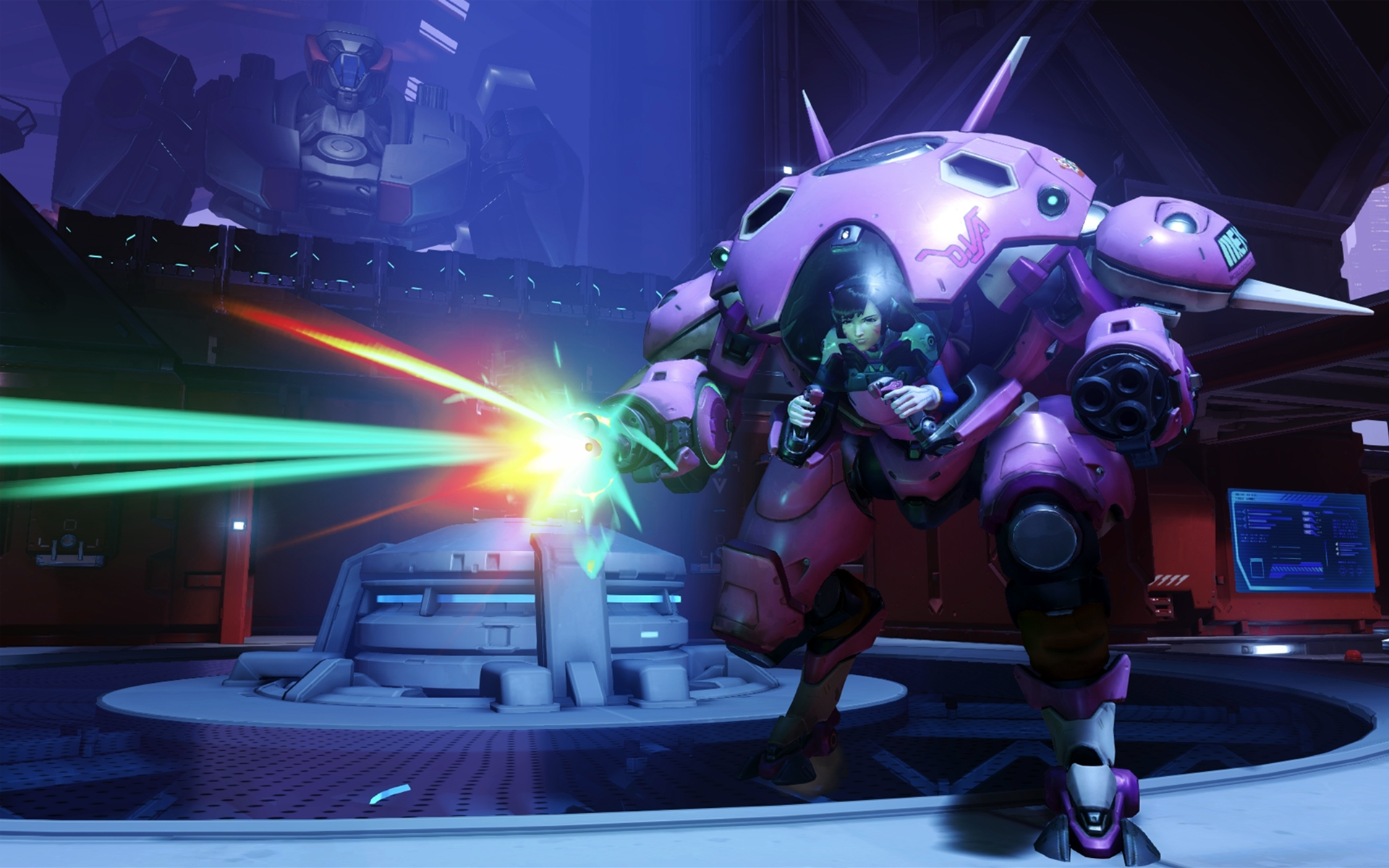
Blizzard Entertainment Inc., the studio behind massively popular games like World of Warcraft, Hearthstone, and Overwatch, has just rolled out a new update to its game client that adds built-in Facebook Live streaming support to all of its titles. Blizzard first revealed its partnership with Facebook back in June, and now the feature is finally available in the Americas, with Europe and Asia to follow in the near future.
In recent years, game video content has become a massive industry worth over $3.8 billion, and nearly every major company involved with web video wants a cut of that action. This includes Amazon, which spent an astounding $970 million in 2014 to acquire Twitch.tv, the current leader in live game streaming content. Following Twitch’s success, Alphabet Inc. (Google) launched its own game-focused platform called YouTube Gaming, which combines YouTube Live game streams with pre-recorded game video content. Now with the new Blizzard deal, it looks like Facebook also wants a piece of the game video market, and the feature already has a few major advantages right out of the gate.
First of all, streaming Blizzard games with Facebook Live is now dead simple, requiring all of maybe 20 seconds of work to get up and running. The new feature falls into that coveted “just works” territory that helped make Apple the behemoth that it is today. Facebook also comes with a built-in audience: your friends and family. Unlike Twitch, where you can stream for hours and never have a single view, Facebook guarantees that if nothing else, at least your mom will see it.
Facebook Live has some obvious advantages for casual streamers, but it is unclear if it will hold any appeal for professional streamers, who earn money on sites like Twitch thanks to advertising partnership, subscribers, and donations. If Facebook ever adds similar features to its platform, then Amazon and Twitch may have something to worry about.
Blizzard and Facebook have made game streaming about as simple as it possibly could be. Here’s how to get it set up:

First, click the new camera icon in the top right corner of the Battle.net client, between your BattleTag and your friends list. A window will pop up asking you to link your Facebook account. Simply enter your Facebook login information and approve the connection.
After linking your accounts, there will be a new menu when you click the camera which will allow you to choose your stream name, whether your want your webcam and/or mic enabled, what page you want to stream to, and what audience you want to be able to see it.
You can further customize your stream by choosing the settings option in the streaming menu, which will allow you to change things like your video quality, mic volume, and so on.
Once you have the settings you want, launch your game and start streaming. Yes, it really is that easy. You can start and stop streaming the stream hotkey (default CTRL+F1). The video will go straight to your timeline or other page that you manage, and it will automatically be saved after you finish streaming.
… We’d like to tell you about our mission and how you can help us fulfill it. SiliconANGLE Media Inc.’s business model is based on the intrinsic value of the content, not advertising. Unlike many online publications, we don’t have a paywall or run banner advertising, because we want to keep our journalism open, without influence or the need to chase traffic.The journalism, reporting and commentary on SiliconANGLE — along with live, unscripted video from our Silicon Valley studio and globe-trotting video teams at theCUBE — take a lot of hard work, time and money. Keeping the quality high requires the support of sponsors who are aligned with our vision of ad-free journalism content.
If you like the reporting, video interviews and other ad-free content here, please take a moment to check out a sample of the video content supported by our sponsors, tweet your support, and keep coming back to SiliconANGLE.






