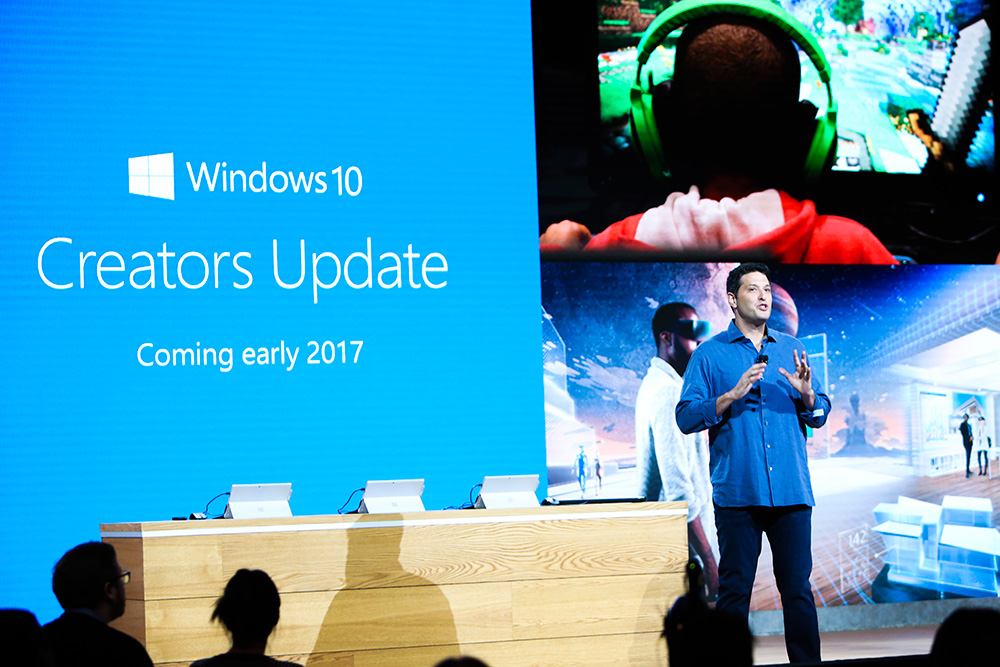







Microsoft Corp. has announced a slew of features for its Windows 10 Creators Update, due out in spring 2017, for information technology administrators and enterprise users.
Microsoft has seen a “3X increase in Windows 10 enterprise deployments over the last six months,” wrote Rob Lefferts, director of program management for Windows Enterprise and Security, in a blog post.
The company announced new features for consumers at its Windows 10 event in October, which includes 3D capabilities for Paint and Office apps, an easier way to share content with a favorite contacts feature, as well as game broadcasting.
Here’s a look at the new features coming next year for enterprise users that focus on security and device management.
Microsoft added Windows Defender Advanced Threat Protection as part of the Anniversary Update. Windows Defender ATP allows enterprise users to detect, investigate, and respond to advanced and targeted attacks.
As part of the Creators Update, Microsoft will expand Windows Defender ATP sensors. Instead of just limiting threat searches to files and network traffic, Windows Defender ATP will now include in-memory and in-kernel threat detection.
The Windows Security Center will also be updated to allow IT administrators to feed their own data into the system and will be able to track security threats. The Windows Security Center will also get various tools to allow administrators to isolate machines, collect forensics, kill and clean running processes and quarantine or block files.
The updated dashboard will allow organizations to use their own telemetry to provide new insights, like the device health of PCs in the organization, and ensure compliance with regards to updates and upgrades.
The Creators Update will remove the manual task of converting Windows 7 devices using legacy BIOSes to UEFI. Administrators will have access to a UEFI-conversion tool, which can also be integrated with management tools like System Center Configuration Manager.
Mobile application management is a new feature that will allow organizations to protect company data on employees’ personal devices without the need to enroll those devices in a Mobile Device Management solution.
Following the Creators Update, Microsoft will enable differential downloads, which means downloads will only include changes that have been made since the last update, decreasing the download size by 35 percent.
Support our mission to keep content open and free by engaging with theCUBE community. Join theCUBE’s Alumni Trust Network, where technology leaders connect, share intelligence and create opportunities.
Founded by tech visionaries John Furrier and Dave Vellante, SiliconANGLE Media has built a dynamic ecosystem of industry-leading digital media brands that reach 15+ million elite tech professionals. Our new proprietary theCUBE AI Video Cloud is breaking ground in audience interaction, leveraging theCUBEai.com neural network to help technology companies make data-driven decisions and stay at the forefront of industry conversations.





