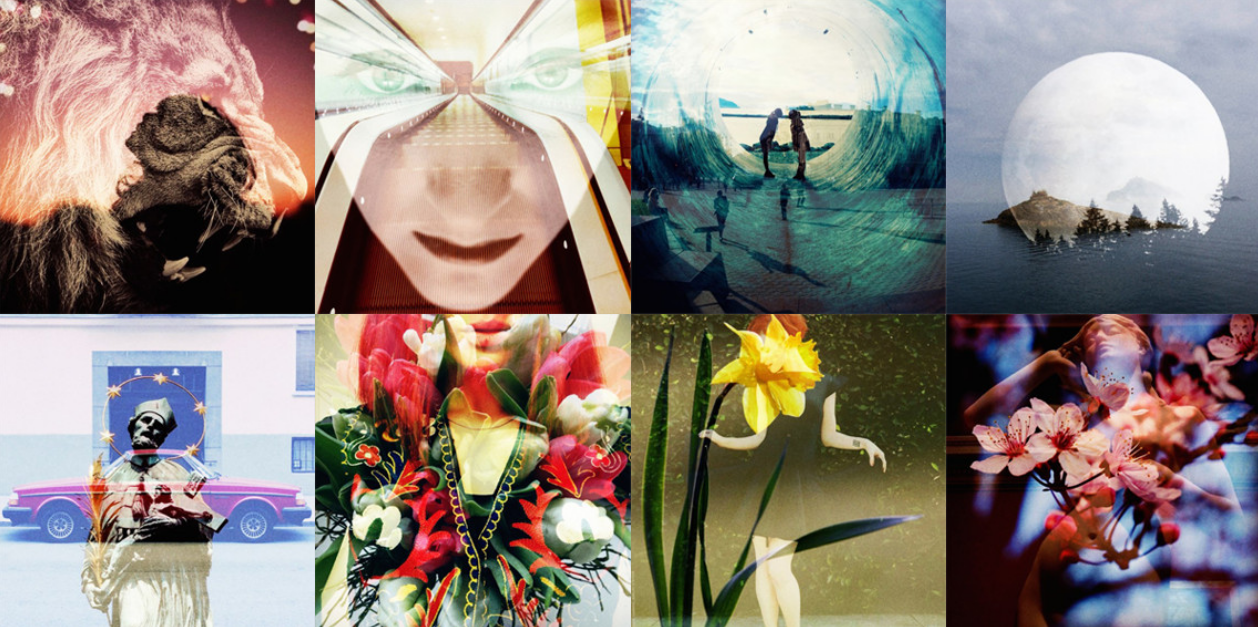







Have you ever dreamed of being a professional photographer? Or do you just wish your amateur shots turned out better? This line of thinking is one of the reasons why photosharing apps have become extremely popular. They give you the opportunity to take all types of photos and share them with your friends and even the rest of the world.
Taking photos has evolved from point-and-shoot to point-shoot-and-share. And with the editing features currently offered by apps, users can easily put their creative juices to work. There is an abundance of photosharing apps to choose from. Consider checking out these apps to take your photography skills to the next level.
Dubbed the “gamification of photosharing apps,” Dudr allows you and your friends to share photos of an event you all attend. In addition to being a photosharing app, Dudr is a proximity-collaboration app. Downloading Dudr is like arming you and your friends with a disposable camera, but because it is an app that utilizes the Internet, all the photos taken by you and your friends are curated into one channel.
To start your Dudr session, you and your friends who are in the vicinity press the camera icon in the app to activate it simultaneously. Everyone participating will have 24 hours to take 24 photos each. When time is up, everyone involved will get a push message informing them that all the photos taken by their circle of friends are now available for viewing. It makes it easy to see all the photos in one album. Dudr is available for iOS only.
There are apps dedicated for taking awesome photos, apps for adding filters, apps for creating collages and apps for creating split photos. If you download all these apps, you’d need at least four apps just to create your “perfect” photo. Camu is a new app that merges all these features together so you don’t have to worry about using multiple apps to get one perfect shot.
Camu offers a simple interface to help you capture photos and videos, plus it features its Clear Clarity technology that brings out the details. To use it, simply slide your finger up and down. Apply filters before or after taking a photo, and if you’re not satisfied, it’s easy to change it. Create collages from existing photos, or create them on the go. This app is available for iOS and Android.
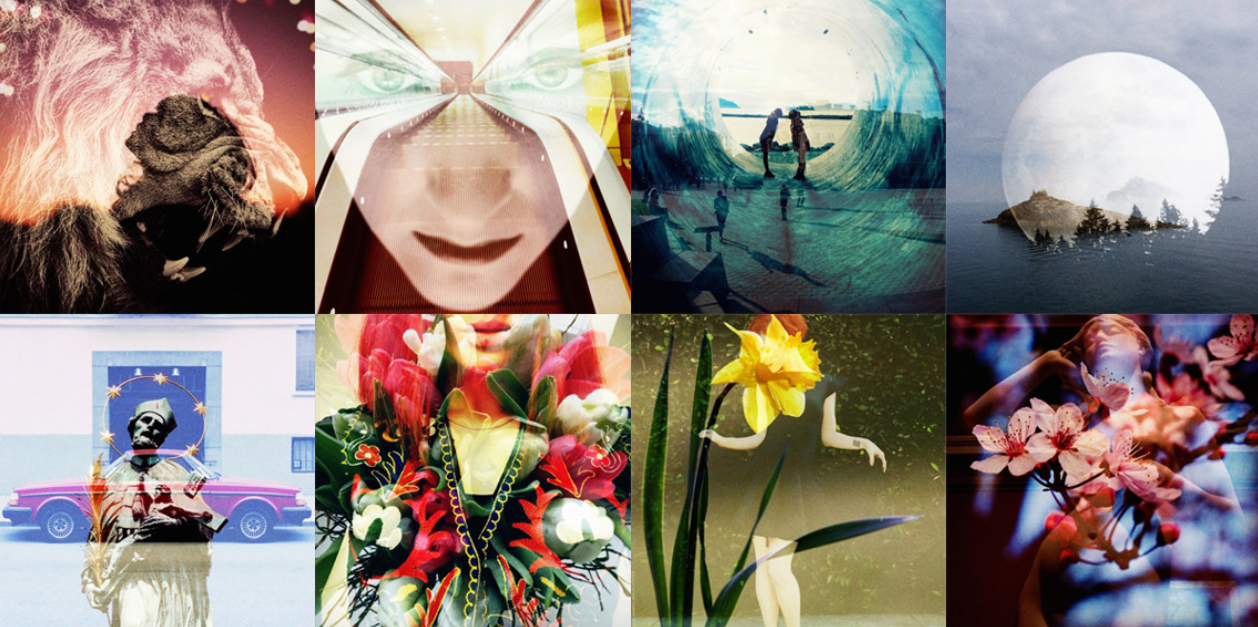
Double exposure photos can look pretty cool. This photography technique has been used to even create “ghosts” in photos, but most of the time it is used to create artistic-looking pictures. Dubble makes it easy to create double-exposure images with the help of other people. Download the app and sign up to create your Dubble profile. Then take a photo or choose a photo from your gallery and “Dubble” it with the photos from “The World” to create your first Dubble.
If you have been using Dubble for some time, you can start creating Dubbles using your favorite Dubbles or the Dubbles you already created. You can also discover what others have shared to get inspiration for your next Dubble. This app is available for iOS only.
Photo source: http://www.dubble.me/
Support our mission to keep content open and free by engaging with theCUBE community. Join theCUBE’s Alumni Trust Network, where technology leaders connect, share intelligence and create opportunities.
Founded by tech visionaries John Furrier and Dave Vellante, SiliconANGLE Media has built a dynamic ecosystem of industry-leading digital media brands that reach 15+ million elite tech professionals. Our new proprietary theCUBE AI Video Cloud is breaking ground in audience interaction, leveraging theCUBEai.com neural network to help technology companies make data-driven decisions and stay at the forefront of industry conversations.





