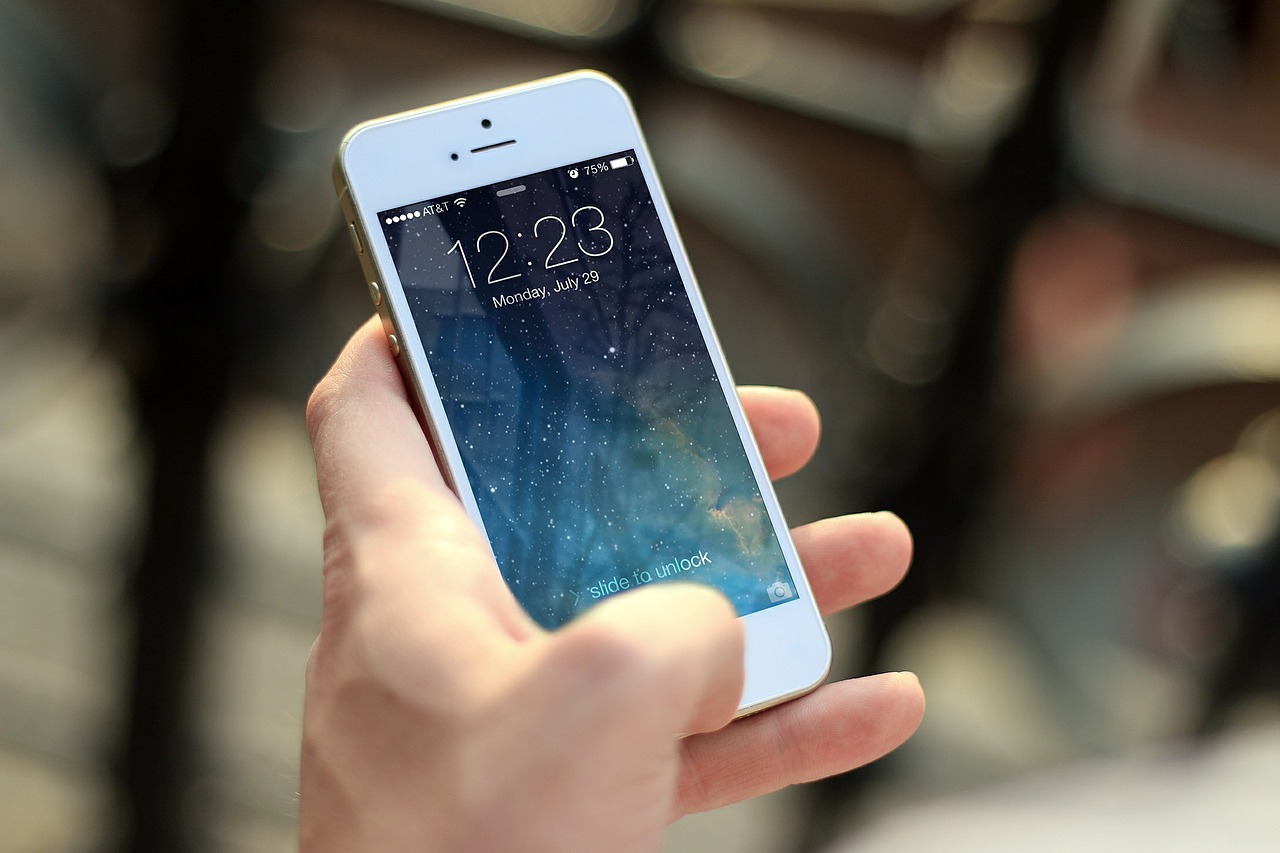







A little over two weeks since the last beta release, Apple on Thursday released iOS 9 beta 5 to developers alongside the corresponding 3rd public beta. As always, the latest beta brings new features, tweaks and bug fixes to the OS. (via 9to5Mac)
Most notable is the introduction of Wi-Fi calling for AT&T users, new wallpapers, tweaks to CarPlay and the iPhone keyboard.
Below is a list of changes in iOS 9 beta 5:
New Wallpapers: The update brings a range of new wallpapers to iOS, including close-ups of feathers, flowers, plants, and more. Note that Apple has done away with older wallpapers, so if you plan to upgrade, be sure to save any you’d like to hold on to.
Wi-Fi calling on AT&T: Previously limited to T-Mobile and Sprint, iOS 9 beta 5 allows AT&T subscribers to turn on Wi-Fi calling but there’s a catch… Wi-Fi calling from AT&T is not available yet, but this seems to imply that it’s coming. In addition, iOS 9 now has a new Wi-Fi Assist feature that will “automatically use cellular data when Wi-Fi connectivity is poor.” Toggle the option on at the bottom of the Cellular settings screen.
Apple Music: The Music app now has a “Shuffle All” option at the top of My Music, allowing you to shuffle all songs, albums or genres.
Keyboard tweaks: Building on the improved shift key, iOS 9’s iPhone keyboard received some subtle tweaks in beta 5, including new glyphs on the Delete, Shift, and Dictation keys.
Handoff: Changes to the Handoff & Suggested Apps feature has removed the option to get App Store suggestions on the lock screen. Suggested Apps now only include apps already installed on a user’s iPhone.
CarPlay UI: CarPlay now shows larger artwork and you can like songs playing via Beats 1 radio or Apple Music with the new heart button first seen in iOS 9 beta 4.
Siri Suggestions: When tapping a contact’s picture, the labels have been removed from the call, message, and FaceTime buttons, leaving a cleaner interface showing only icons.
Text Replacements: To match the label on the Mac, the section for creating key shortcuts has been renamed “Text Replacements.”
Calendar splash screen: The first time a user launches the Calendar app, a new splash screen explains the new features such as “Calendar now shows you events like flights or restaurant reservations found in Mail.”
New Wi-Fi off animation: Instead of the bars disappearing one by one when Wi-Fi is turned off, the Wi-Fi icon fades to gray before completely disappearing.
iOS 9 is slated for general public release alongside the new iPhones sometime in September.
Support our mission to keep content open and free by engaging with theCUBE community. Join theCUBE’s Alumni Trust Network, where technology leaders connect, share intelligence and create opportunities.
Founded by tech visionaries John Furrier and Dave Vellante, SiliconANGLE Media has built a dynamic ecosystem of industry-leading digital media brands that reach 15+ million elite tech professionals. Our new proprietary theCUBE AI Video Cloud is breaking ground in audience interaction, leveraging theCUBEai.com neural network to help technology companies make data-driven decisions and stay at the forefront of industry conversations.





