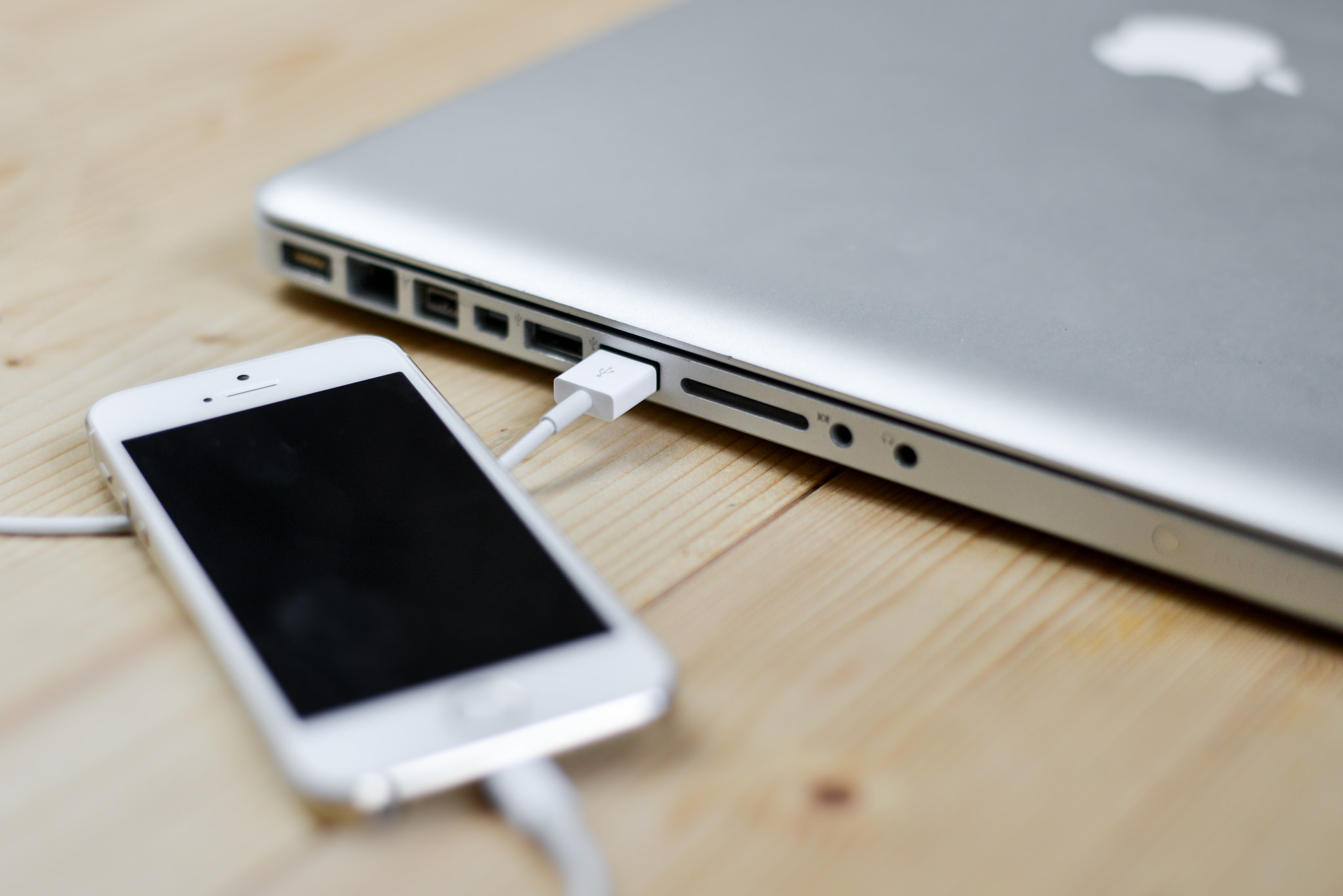







Apple has included support for AT&T Inc.’s NumberSync technology in iOS 9.2 beta 2, its latest beta release for iOS developers. NumberSync, announced by AT&T last month, allows AT&T subscribers to send text messages from multiple devices using the same phone number.
While Apple’s Continuity feature already lets users make calls from a Mac, iPad, or an iPod touch provided the Mac or iOS device used is connected to the same Wi-Fi network as their iPhone, 9to5Mac noted that enabling Wi-Fi calling in iOS 9.2 beta 2 will let users make and receive calls even when their devices are not connected to the same network or even in the same physical location.
Below are the steps to enable AT&T’s NumberSync on your iPhone running iOS 9 beta 2 and upgrading to Wi-Fi Calling on your Mac as outlined by 9to5Mac:
Once you have upgraded your iPhone to iOS 9.2 beta 2, go to the Settings app > Phone > Wi-Fi Calling > tap Add Wi-Fi Calling For Other Devices.
You will be presented with some terms and conditions and once you’ve accepted these you will see a message informing you that “Wi-Fi Calling is now available for other devices on your iCloud account.”
With AT&T’s NumberSync enabled on your iPhone, you need to enable and set up the option to use Wi-Fi Calling on your Mac.
By default, you should see a FaceTime notification on your Mac as soon as you’ve completed the set up on your iPhone. To continue the setup, click the FaceTime notification or simply open the FaceTime app.
At the top of the FaceTime window, click Turn On on the banner asking: “Do you want to upgrade to Wi-Fi Calling on this Mac?” Alternatively, you can enable the feature in FaceTime preferences by clicking the “Upgrade to Wi-Fi Calling” button.
Next, enter the code displayed on your Mac screen on your iPhone and confirm that your emergency location is set up correctly by tapping OK on the popup.
That’s it. Now you will be able to make and receive calls from your Mac even when your iPhone is not on the same network or off. In 9to5Mac’s test, the feature worked even when the iPhone was in Airplane Mode.
If you want to disable NumberSync or manage devices connected to your account on your iPhone running iOS 9 beta 2, go to Settings > Phone > Calls on Other Devices > and toggle options on or off as needed.
Support our mission to keep content open and free by engaging with theCUBE community. Join theCUBE’s Alumni Trust Network, where technology leaders connect, share intelligence and create opportunities.
Founded by tech visionaries John Furrier and Dave Vellante, SiliconANGLE Media has built a dynamic ecosystem of industry-leading digital media brands that reach 15+ million elite tech professionals. Our new proprietary theCUBE AI Video Cloud is breaking ground in audience interaction, leveraging theCUBEai.com neural network to help technology companies make data-driven decisions and stay at the forefront of industry conversations.





