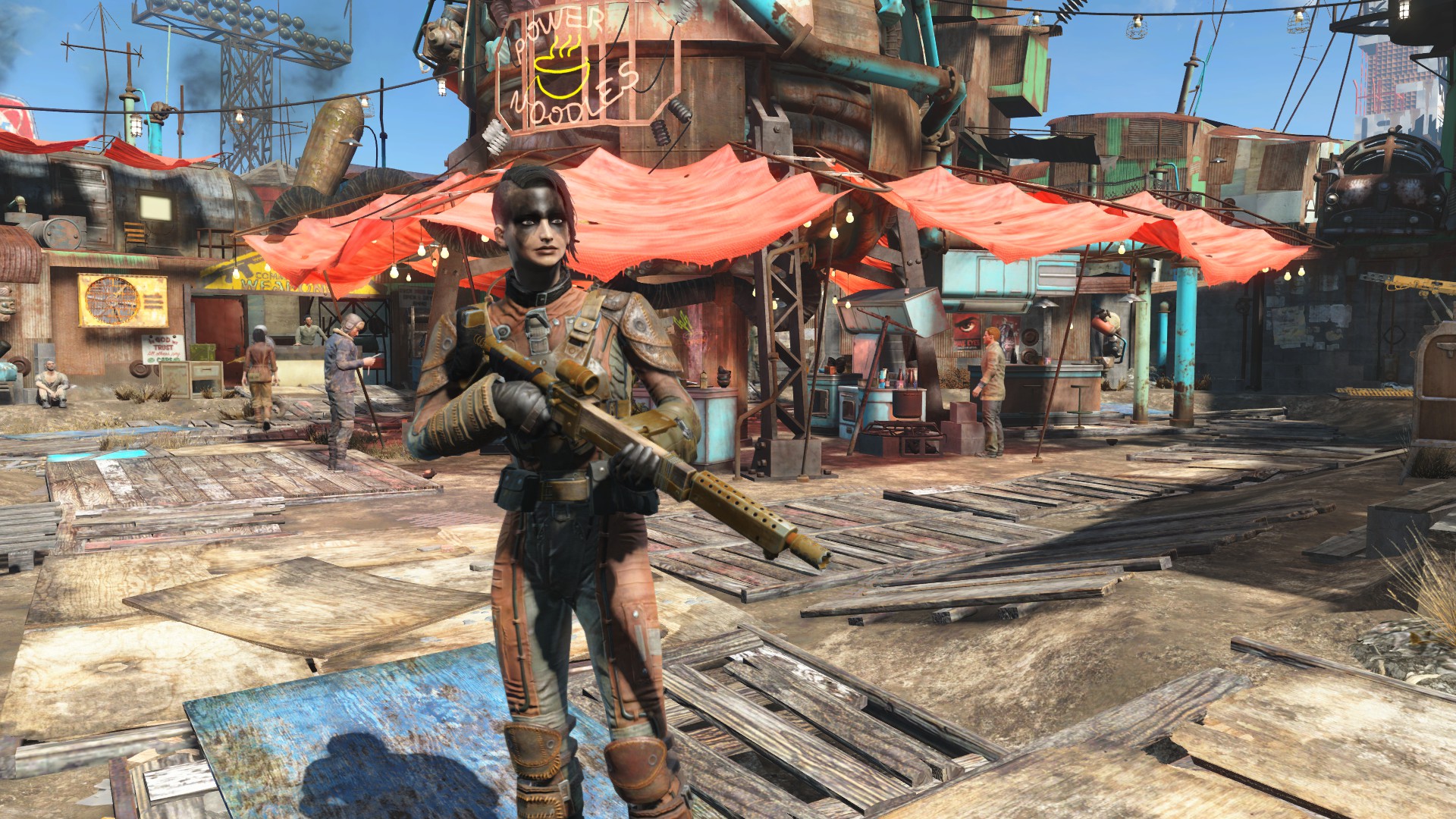







It has been a little less than a month since Bethesda Game Studios released Fallout 4, the developer’s first major release since 2011’s The Elder Scrolls V: Skyrim, and the first few game patches are already making their way out to players.
Bethesda stated in November that it planned on releasing smaller but more frequent updates to the game, and the studio promised that it would be listening to player feedback on the most important changes that it needs to address first.
Here is the complete changelog for the new patch (via Bethsoft.com):
While bug fixes are always welcome, there are still quite a few changes that we would like to see in Fallout 4, especially in regards to quality of life improvements. Here are a few updates we’d like to see from Bethesda in the (near) future.
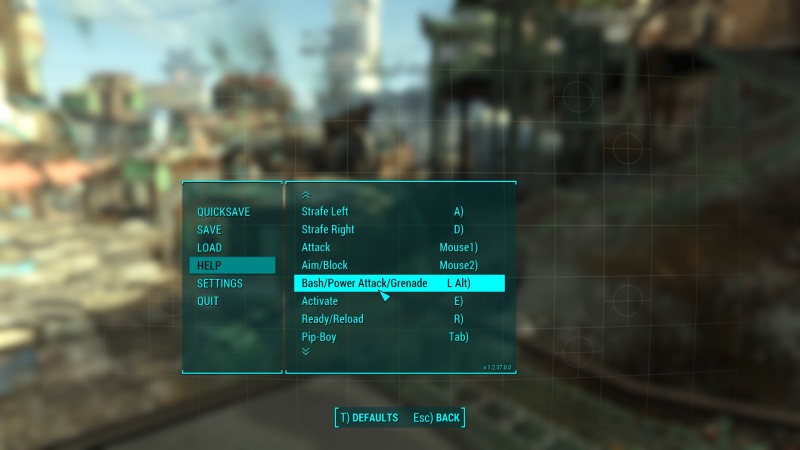
Currently, bashing attacks (hitting enemies with your gun) and grenades share the same key. In theory, you simply need to tap the button for a melee attack and hold it to throw a grenade, but when you are wacked out of your mind on psychobuff and are being swarmed by a horde of ghouls, it is all too easy to fling a Molotov into your own face.
On the same note, it would be nice to get separate buttons for third-person view/building mode too.
Settlements were one of the big selling points for Fallout 4, and there are plenty of players who spend more time role-playing as city planners and interior designers than as fighters.
While the building mechanics themselves have their own finicky issues (Wall snapping? More like wall crapping, am I right?), the real problem with settlements in Fallout 4 is the complete lack of any kind of a management menu.
Many players have had to resort to giving their settlers themed uniforms to keep track of what their assigned jobs are, and altering supply lines between multiple settlements is all but impossible.
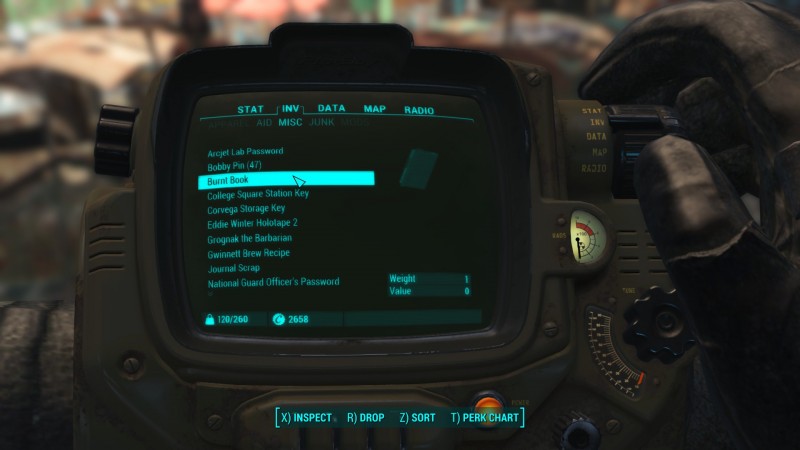
Anyone who has strong organizational skills will tell you that a miscellaneous category is always a bad idea, but Bethesda did not seem to realize that fact when they created their inventory categories.
The weapons, apparel, aid, and ammo categories are pretty self-explanatory. So is the junk category, which includes all of the random items that can be used in crafting, and the Mods category, which includes unattached weapon and armor modifications.
But then there is the Misc category, which includes bobby pins (used for picking locks), perk magazines, bobbleheads, folders (for some reason), audio holotapes, minigame holotapes, Vault-Tec lunch boxes (which are used in crafting mines), burnt books (which are useless), overdue books (which are not useless), subway tokens, keys, and a few dozen other random items, most of which are used only for specific quests.
Ideally, Bethesda should create separate categories for quest items and collectibles, and uncategorized yet useless items like burnt books and folders should have crafting ingredients added to them and then be moved to the Junk tab.
More sorting options would also be helpful, such as the ability to sort weapons by ammo type. Currently the only way to do that is by adding the ammo type to the beginning of the weapon’s name through the crafting station.
Support our mission to keep content open and free by engaging with theCUBE community. Join theCUBE’s Alumni Trust Network, where technology leaders connect, share intelligence and create opportunities.
Founded by tech visionaries John Furrier and Dave Vellante, SiliconANGLE Media has built a dynamic ecosystem of industry-leading digital media brands that reach 15+ million elite tech professionals. Our new proprietary theCUBE AI Video Cloud is breaking ground in audience interaction, leveraging theCUBEai.com neural network to help technology companies make data-driven decisions and stay at the forefront of industry conversations.





