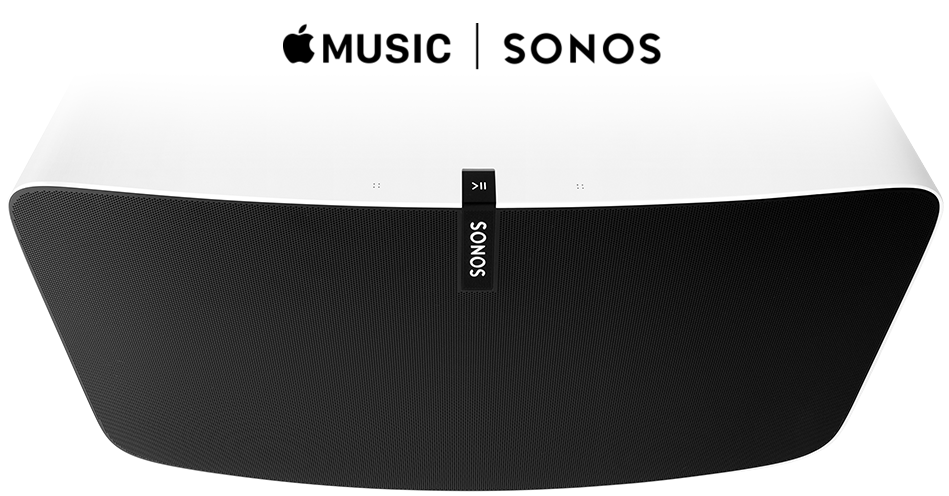







Following an announcement last month that it would start supporting Apple Music on December 15th, Sonos Inc. today rolled out a public beta of Apple Music on Sonos and updated its Sonos Controller app with support for Apple’s new music streaming service.
Users taking part in the beta program will be able to stream songs from For You, New, Radio and My Music through the Sonos app on their iPhone, iPad, iPod touch, or the Apple Music app on their Android device.
As Sonos notes on its Apple Music on Sonos web page, the service is in beta and, therefore, may be prone to bugs and require regular updates between now and the official release date – pegged to be sometime in early 2016. It is also not the final product, so some features may be missing. But, if you are ready to get stuck in, you can join the Apple Music on Sonos beta program.
Before you can join the beta program you will need to update the Sonos Controller app on your iPhone, iPad, or iPod touch.
Note: Android users must update the Apple Music app which added support for Sonos last week.
Next, open the updated Sonos app, slide out the menu, tap Settings > tap Advanced Settings > tap Beta Program > tap Join the Beta Program > follow the onscreen prompts to install the software update across your entire Sonos system.
Note: If you do not see the Update Now prompt, wait 10 to 15 minutes and try again. Sonos notes that it may take up to 15 minutes to appear. Or, tap Online Updates in the Settings menu to update immediately.
When the software update is complete you can add Apple Music to your list of services. In the menu, tap Add Music Service, locate Apple Music in the list of available services and select it.
Next, you can log in as an existing customer or start a three-month trial. Follow the onscreen prompts to complete your login – keep your Apple Music log in details handy as you’ll need to sign in to the service.
For more information on Apple Music on Sonos and the beta program, visit the official Apple Music on Sonos web page.
Support our mission to keep content open and free by engaging with theCUBE community. Join theCUBE’s Alumni Trust Network, where technology leaders connect, share intelligence and create opportunities.
Founded by tech visionaries John Furrier and Dave Vellante, SiliconANGLE Media has built a dynamic ecosystem of industry-leading digital media brands that reach 15+ million elite tech professionals. Our new proprietary theCUBE AI Video Cloud is breaking ground in audience interaction, leveraging theCUBEai.com neural network to help technology companies make data-driven decisions and stay at the forefront of industry conversations.





