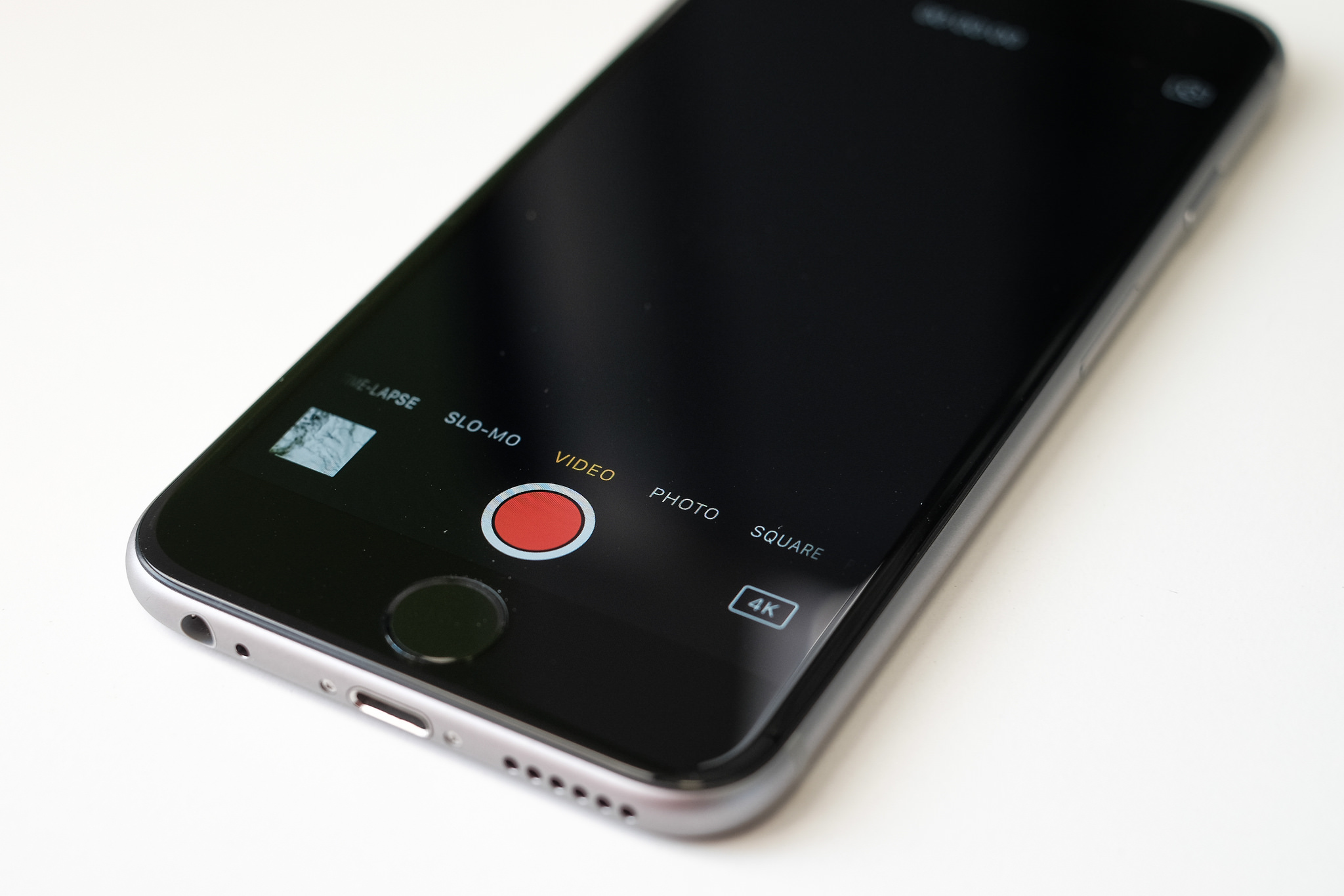







Apple has released iOS 9.3 in both developer and public beta form and while the general public will have to wait a while until they can get to enjoy the new operating system — Apple is yet to announce a release date — there are a host of new and updated features that iPhone users can look forward to.
With iOS 9.3, iPhone users can look forward to Night Shift mode that will adjust your device’s screen to help reduce eyestrain when using your device at night. While users can also look forward to the ability to secure important information in the Notes app, like financial or medical details, using both Touch ID and a password.
Another new feature from iOS 9.3 is the ability to save a high-resolution photo from a Live Photo. Apple introduced Live Photos in September last year with the launch of the iPhone 6s and 6s Plus. When you take a photo, Live Photos will capture a second-and-a-half on either side of the photo. Then when you press on the photo, you get a short video.
Until now, you had to make the choice of whether you wanted a Live Photo or still photo, with iOS 9.3 you can get the best of both worlds.
If you upgraded to the beta version of iOS 9.3 and would rather wait until the operating system is available for the general public, follow our steps of how to downgrade.
Support our mission to keep content open and free by engaging with theCUBE community. Join theCUBE’s Alumni Trust Network, where technology leaders connect, share intelligence and create opportunities.
Founded by tech visionaries John Furrier and Dave Vellante, SiliconANGLE Media has built a dynamic ecosystem of industry-leading digital media brands that reach 15+ million elite tech professionals. Our new proprietary theCUBE AI Video Cloud is breaking ground in audience interaction, leveraging theCUBEai.com neural network to help technology companies make data-driven decisions and stay at the forefront of industry conversations.





