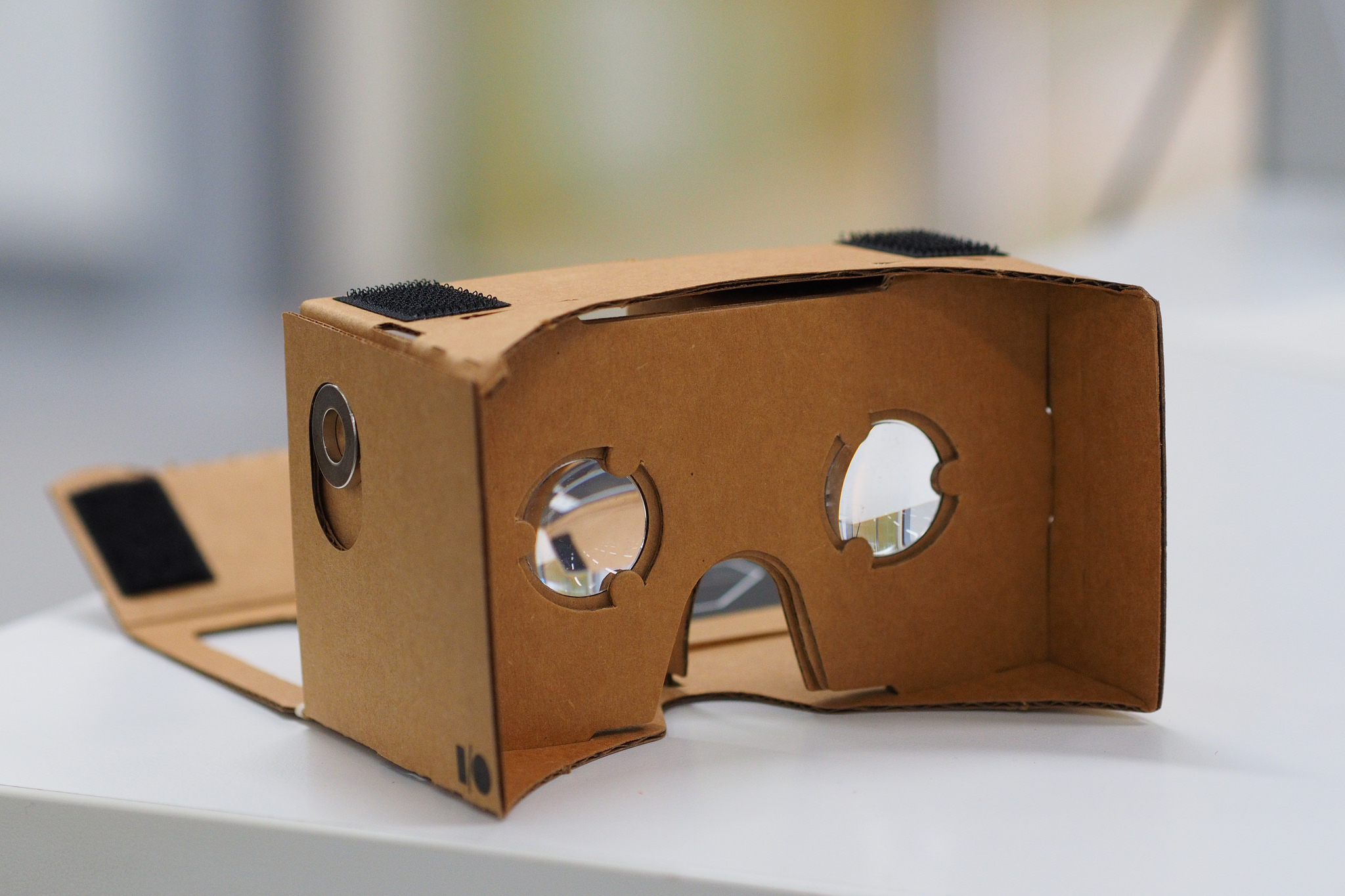







YouTube introduced support for Cardboard in November for Android users, allowing users with a Google Cardboard to enjoy all YouTube videos in VR mode. Cardboard mode, designed for use with Google Cardboard and other VR headsets, allows users to watch videos in a split screen view.
While iOS users have been able to watch 360° videos since last year, the new support for Cardboard now allows iOS users to enjoy a full VR experience with 360-degree motion and 3D support.
We look at the simple process of watching YouTube videos on your Google Cardboard, for both iOS and Android users.
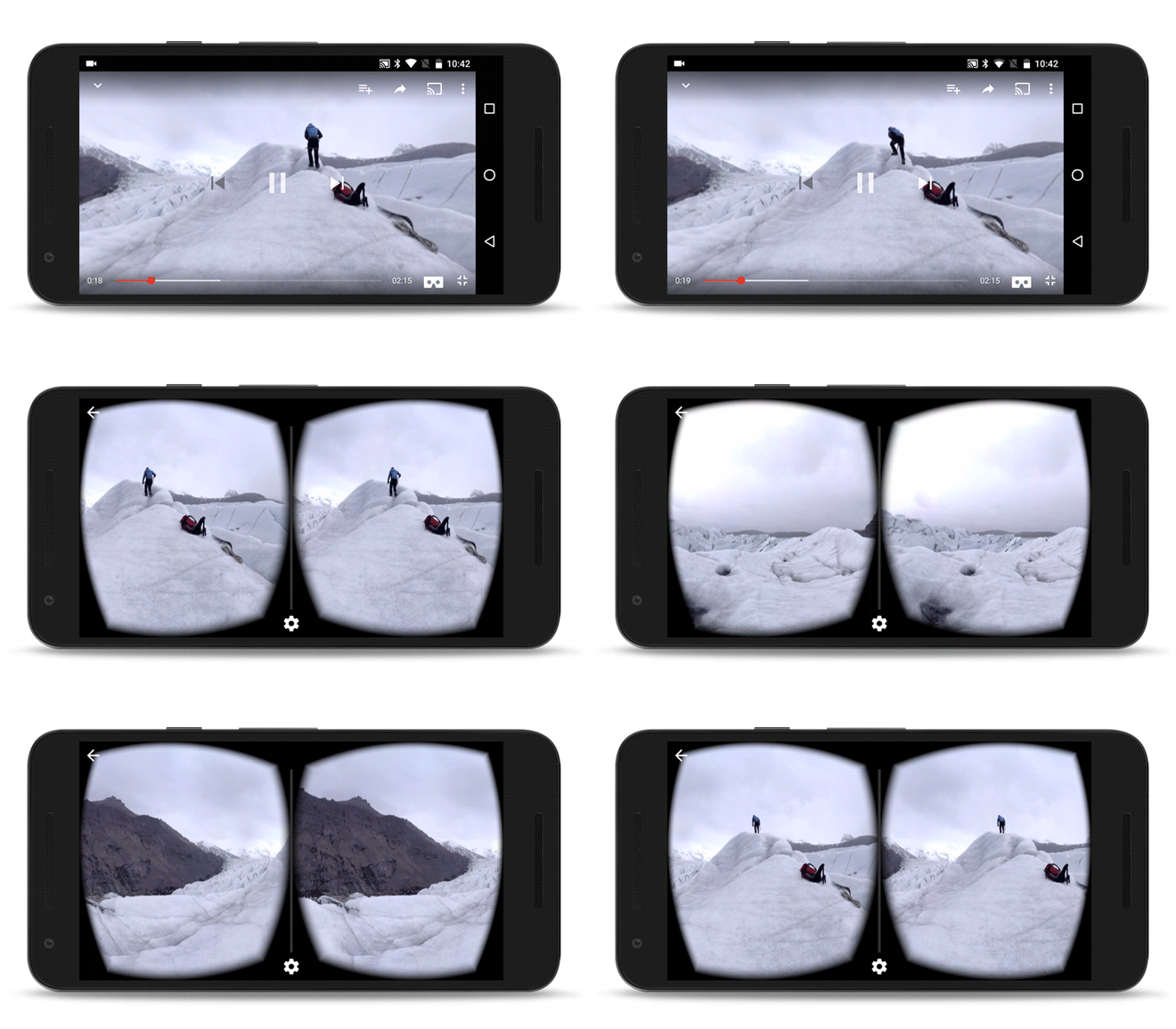
For iOS users, make sure you have downloaded the latest version of YouTube (version 11.18).
If you are watching an ordinary YouTube video the Cardboard mode experience will provide you with the feeling of sitting in a movie theater. Alternatively, YouTube has a 360° Video’s Channel, where you will be able to find a wide variety of 360° Videos and VR Videos covering a range of topics.
Support our mission to keep content open and free by engaging with theCUBE community. Join theCUBE’s Alumni Trust Network, where technology leaders connect, share intelligence and create opportunities.
Founded by tech visionaries John Furrier and Dave Vellante, SiliconANGLE Media has built a dynamic ecosystem of industry-leading digital media brands that reach 15+ million elite tech professionals. Our new proprietary theCUBE AI Video Cloud is breaking ground in audience interaction, leveraging theCUBEai.com neural network to help technology companies make data-driven decisions and stay at the forefront of industry conversations.





