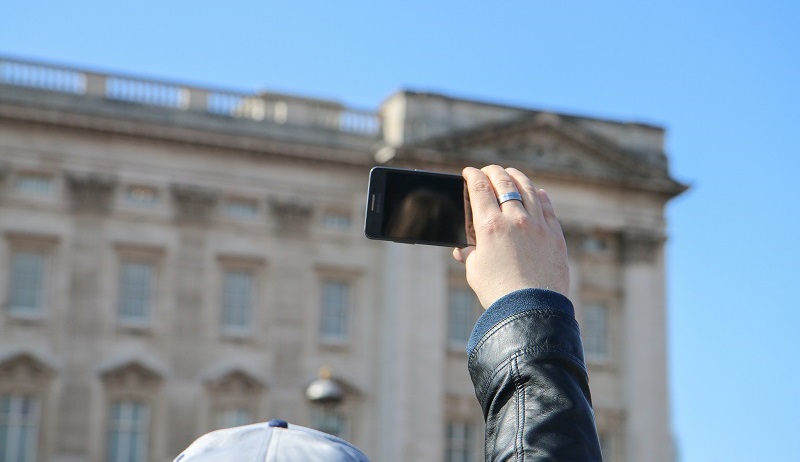







Google Now on Tap, which analyzes information on your phone’s screen and provides helpful shortcuts or links, was launched at Google’s I/O conference as part as Android Marshmallow. The feature was subsequently updated with the ability to get flight details, and track your deliveries.
The latest changes for Now on Tap allows you to get precise results for specific words or phrases as well as providing information for images and items visible in the camera app.
Here is a look at the latest set of changes for Now on Tap and how to enable the feature if you are completely new to it.
Previously when users opened Now on Tap on their screen they could potentially get vastly different results unrelated to want they wanted information about. The update to Now on Tap now allows you to be precise with what you want it to search for.
Simply highlight the word or phrase you want to search for > tap and hold the home button and get a definition and any relevant links.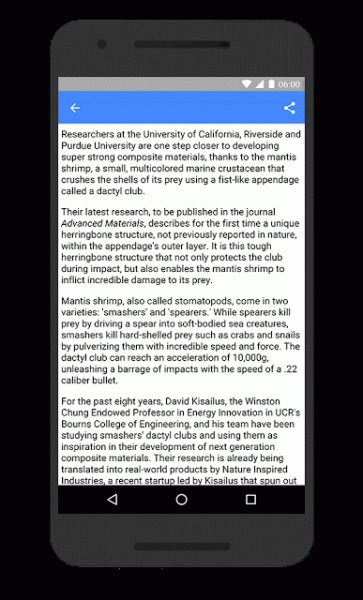
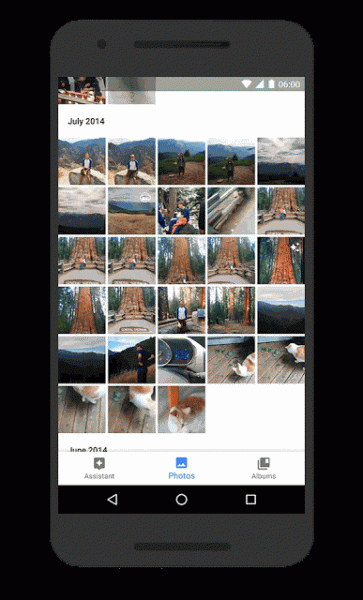
Google Now on Tap now allows you to quickly get information about a specific photo. If you come across a photo in the Google Photos app, Pinterest or any other app, and need some additional information about the shot simply use Now on Tap.
When you come across a photo simply tap and hold the home button and you will get additional information about the content of the photo.
The update to Now on Tap does not only provide you with information on existing photos, but you can also use your camera app to get more information about a specific, bridge, landmark, statue, etc. that you are currently looking at.
Open up your camera app on your phone > hold your device up to the landmark that you want additional detail about > touch and hold the home button and you will be presented with a card with additional information about the landmark and links to relevant apps.
If you have not used Google Now on Tap previously, but the latest updates have peaked your interest, here’s how to enable the feature.
Note: Now on Tap is only available for Android devices running Android Marshmallow (6.0) or later. Your language also needs to be set to English, Japanese, German, Spanish, Italian, French, Korean, Portuguese, or Russian.
To enable Google Now on Tap: Touch and hold the Home button > follow the instructions to turn the feature On.
To disable Google Now on Tap: If it turns out you are not a fan of Now on Tap you can disable it by opening the Google app > tap Menu icon ( three horizontal lines in the top left) > Settings > Now on Tap > turn Now on Tap to Off.
Support our mission to keep content open and free by engaging with theCUBE community. Join theCUBE’s Alumni Trust Network, where technology leaders connect, share intelligence and create opportunities.
Founded by tech visionaries John Furrier and Dave Vellante, SiliconANGLE Media has built a dynamic ecosystem of industry-leading digital media brands that reach 15+ million elite tech professionals. Our new proprietary theCUBE AI Video Cloud is breaking ground in audience interaction, leveraging theCUBEai.com neural network to help technology companies make data-driven decisions and stay at the forefront of industry conversations.





