 APPS
APPS
APPS
APPS






APPS

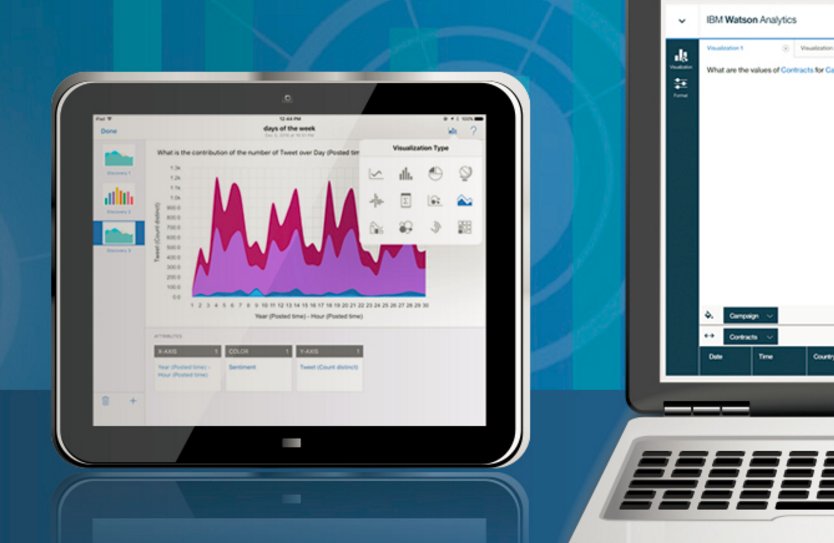
IBM Corp. has released the Watson Analytics Mobile App for iPad, allowing users to tap into various business insights on the go.
The Watson Analytics app can be used alongside a free personal or paid enterprise Watson account. For the past two years, IBM has offered the web-based version of Watson Analytics that provides customers with a data analysis solution in the cloud. The Watson Analytics app for iPad is not a replacement for the web-based version, but rather an extension and will leverage the same natural language engine.
Here’s a look at how to get started with the iPad version of Watson Analytics and its various features:
The Watson Analytics Mobile App for iPad is available to download for free from the App Store. Your iPad must be running iOS 9.0 or later.
With the Watson Analytics app for iPad, you can upload data directly to the app and get instant data results while sitting in a meeting.
Whether you are obtaining insights from an existing data set or a new dataset, you can use the natural language engine and type questions in plain English. You will then get an answer to your question with a relevant visualization.
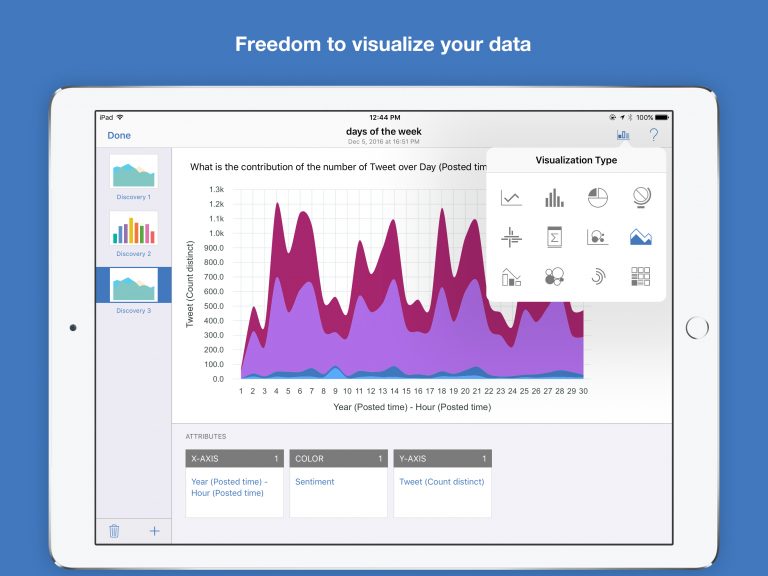
A visualization will automatically be created from your question, which you can explore further with a single tap. If you want to present your data in a different way, there is also a variety of other visualizations that you can choose from.
You can import data directly from the following formats: .xls, xlsx and .csv. You can upload data from apps like Box, Dropbox and OneDrive, as well as the ability to upload data from email attachments.
All visualizations can be shared with others via email or by downloading a visualization as a file. A direct URL link can also be shared, but only other Watson Analytics users in the same account will be able to access the link.
If you have a Professional edition of Watson Analytics you can use the Shared folder on the landing page to organize and share tiles with other users within the same Watson Analytics subscription.
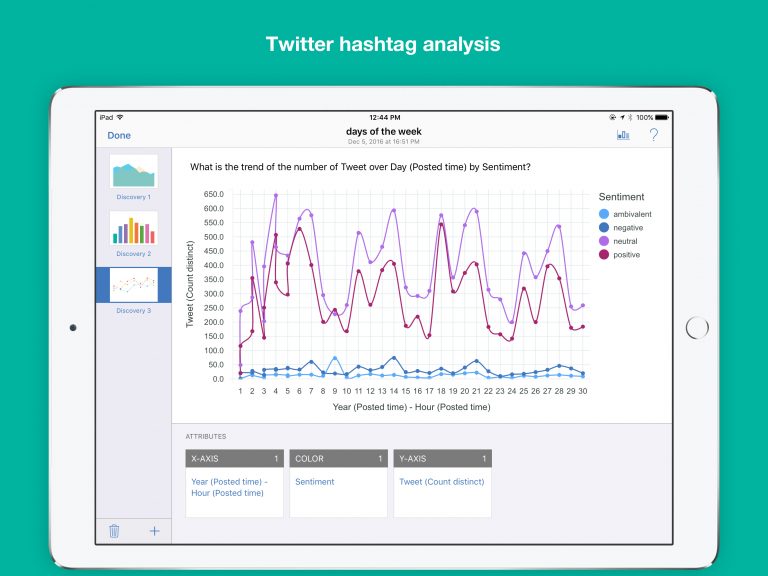
If you have a subscription to Watson Analytics Plus or Professional editions you will also be able to use the Watson Analytics Mobile App to analyze Twitter hashtags.
Note: If you are new to Watson Analytics you can sign up for a 30-day free trial of the paid subscriptions, which will allow to get access to the analysis of Twitter hashtags, among other features.
Support our mission to keep content open and free by engaging with theCUBE community. Join theCUBE’s Alumni Trust Network, where technology leaders connect, share intelligence and create opportunities.
Founded by tech visionaries John Furrier and Dave Vellante, SiliconANGLE Media has built a dynamic ecosystem of industry-leading digital media brands that reach 15+ million elite tech professionals. Our new proprietary theCUBE AI Video Cloud is breaking ground in audience interaction, leveraging theCUBEai.com neural network to help technology companies make data-driven decisions and stay at the forefront of industry conversations.





