 APPS
APPS
APPS
APPS






APPS

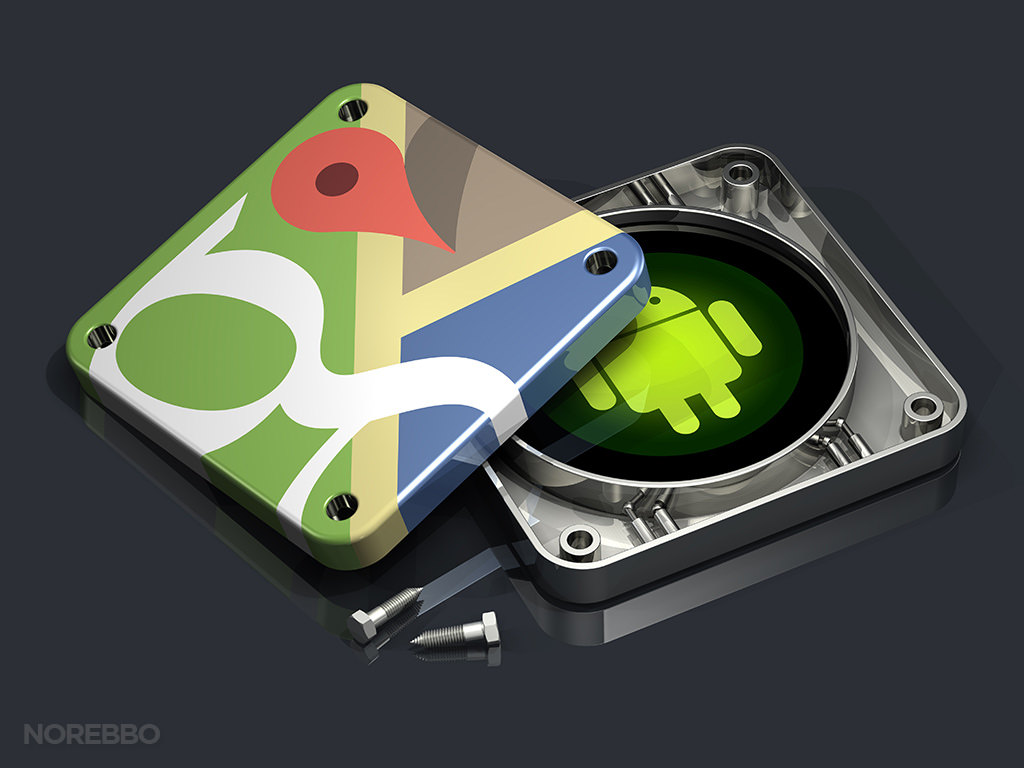
Google Inc.’s latest update for its Maps app for Android adds a new navigation bar to the bottom of the home screen, where users can explore the area around them.
In this section, users will be able to see restaurant recommendations, real-time commute details and more. Download the latest version of Google Maps for Android from the Play Store.
Tap on the new places tab (location icon) at the bottom of the screen and you will be able to find curated lists of the best places for dinner, the best spots to get cheap eats, ideal places for business dining, the best bars, etc. all in your vicinity or for a selected location.
The places tab also allows you to search for ATMs, pharmacies, gas stations and grocery stores. Additional information in the places tab includes photos of the area as well as a description of the neighborhood.
The driving tab (car icon) will show real-time ETAs to home and work, on condition that you have your home and work addresses saved. In addition, you will also see a nearby traffic conditions report and possible delays for your route ahead.
Tip: To save your home and work addresses in Google Maps, go to “Your places” on the side menu > under the “Labeled” tab you will see home and work > tap “Set home/work address” for each one and add the address.
To get real-time traffic information on your route without turn-by-turn directions, tap on “start driving” and you will go into driving mode.
With your home and work addresses saved, the transit tab (train icon) will allow you to see recommendations for which bus or train to take, when the next one is arriving and an estimated time of when you will arrive at work or home.
If you aren’t going home or to the office, you can swipe down on the app to find the location of the nearest transit stations, together with real-time schedules.
Last month, Google updated its app to allow Uber users to book and pay for rides directly in Google Maps. To book an Uber ride, enter your destination > tap the “ride-hailing” tab > scroll through the list of Uber cars at the bottom of the screen and select your preferred option > tap Book. Your Uber ride will be requested and you can track its arrival and your route on Google Maps.
Support our mission to keep content open and free by engaging with theCUBE community. Join theCUBE’s Alumni Trust Network, where technology leaders connect, share intelligence and create opportunities.
Founded by tech visionaries John Furrier and Dave Vellante, SiliconANGLE Media has built a dynamic ecosystem of industry-leading digital media brands that reach 15+ million elite tech professionals. Our new proprietary theCUBE AI Video Cloud is breaking ground in audience interaction, leveraging theCUBEai.com neural network to help technology companies make data-driven decisions and stay at the forefront of industry conversations.





